Turn any 4 photos into a photo booth strip
No booth, no camera, no app. Pick four photos you already have and the strip maker lays them out as a classic 2 by 6 inch photo booth strip in one of 31 frames, with your caption and the date at the bottom.
How to make a photo strip
- Tap Pick 4 photos and choose four pictures from your phone or computer.
- Type a name or caption for the bottom of the strip, or leave the default.
- Compare every frame with your own photos and pick one.
- Scan the QR code, email it to yourself, or save it straight to your device.
Photo booth strip size and format
- Size: 2 by 6 inches, the classic photo booth strip.
- Resolution: 1200 by 3600 pixels (600 dots per inch), saved as a JPEG.
- Layout: four landscape photos stacked, with a caption and the date at the bottom.
- Printing: two strips fit side by side on one 4 by 6 inch photo print.
Want a blank frame to fill in yourself in Canva or Photoshop instead? Download a free photo booth strip template. Throwing a party? The live photo booth takes the four photos for you with a countdown.
All 31 photo strip frames
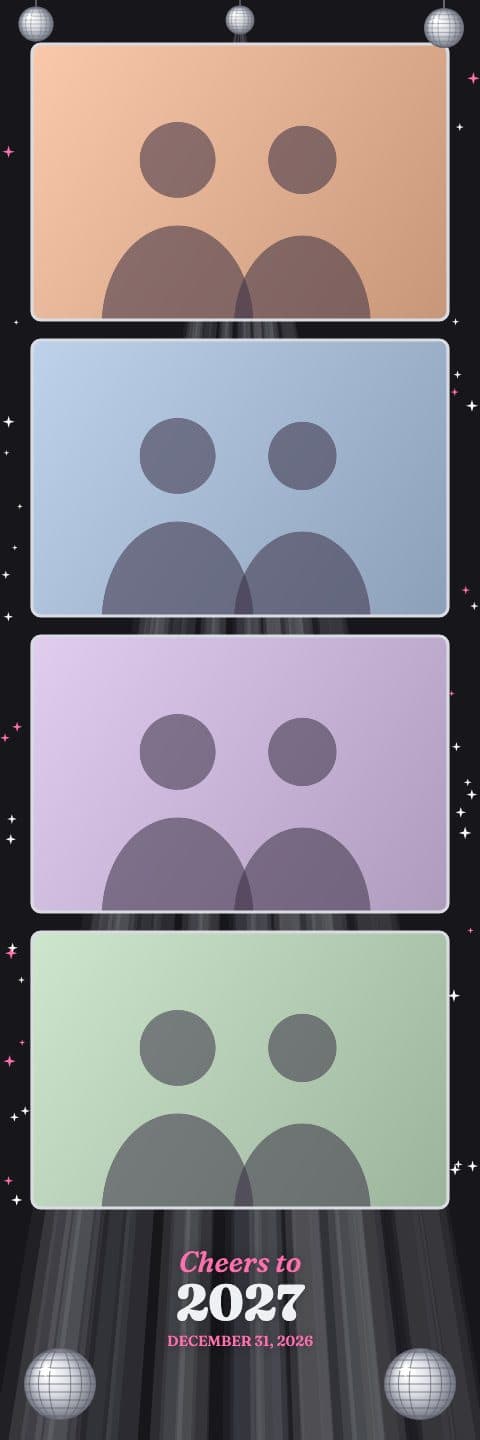
Mirror Ball
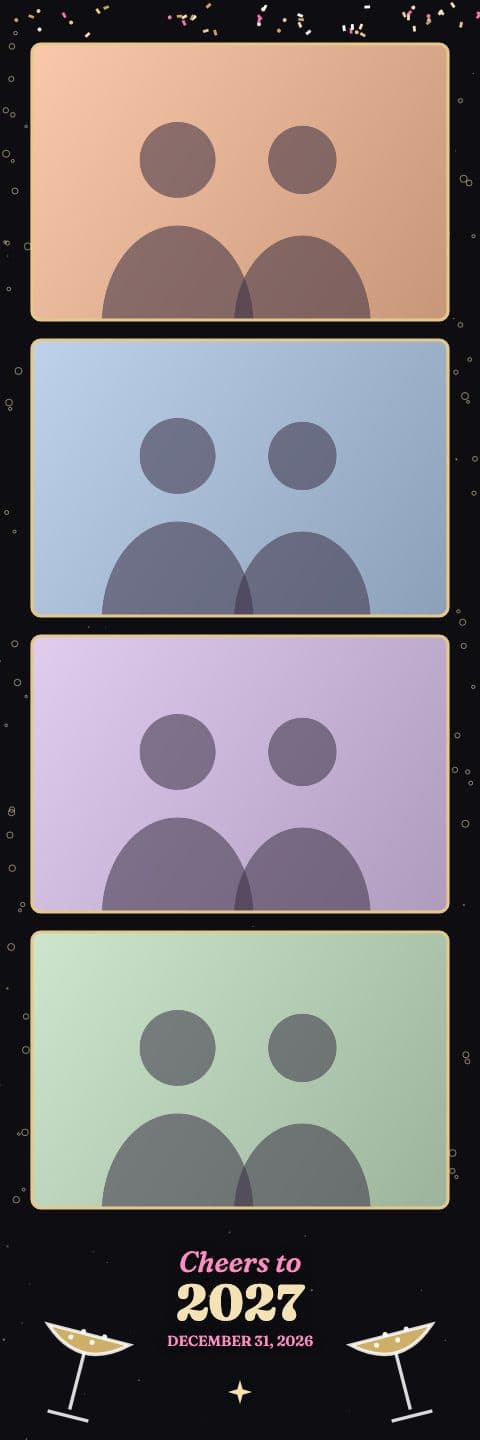
Champagne Toast
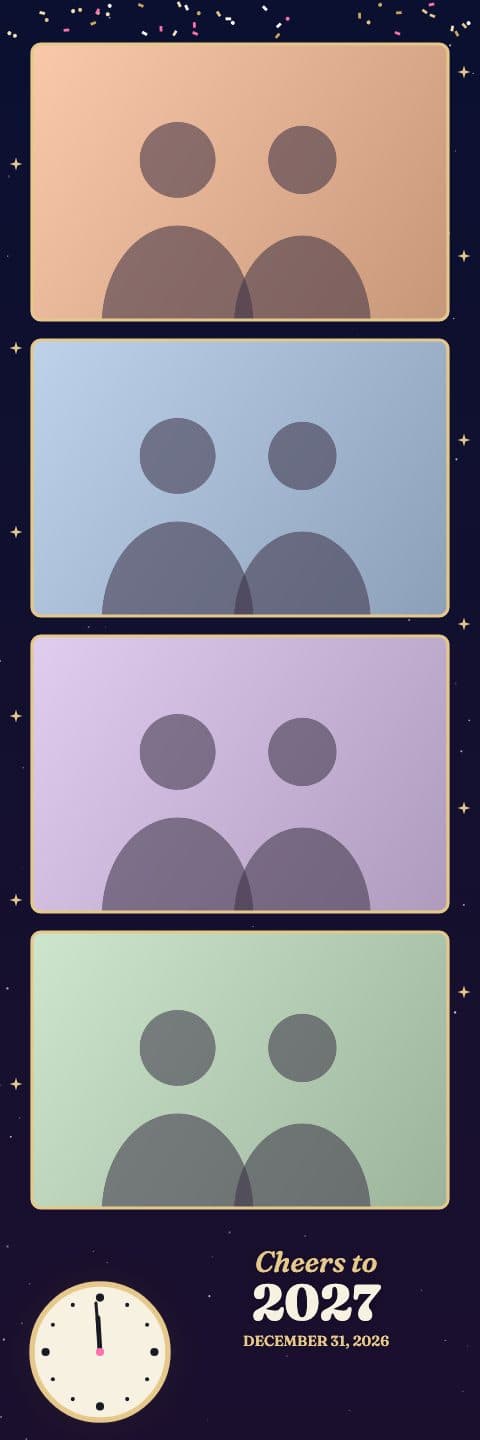
Midnight Countdown
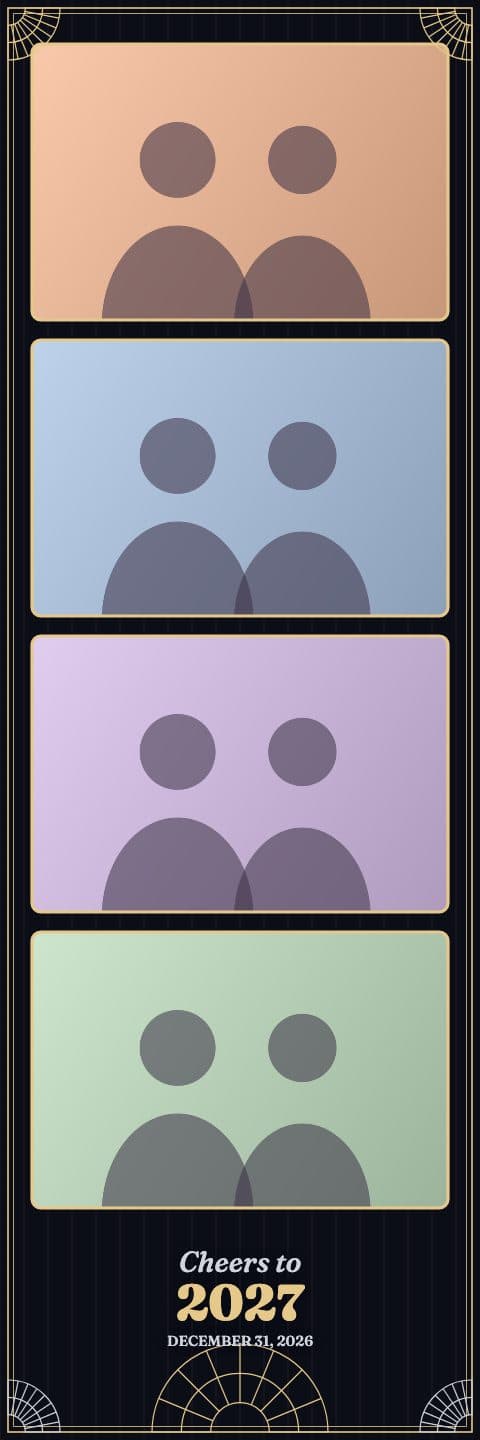
Gatsby Gold
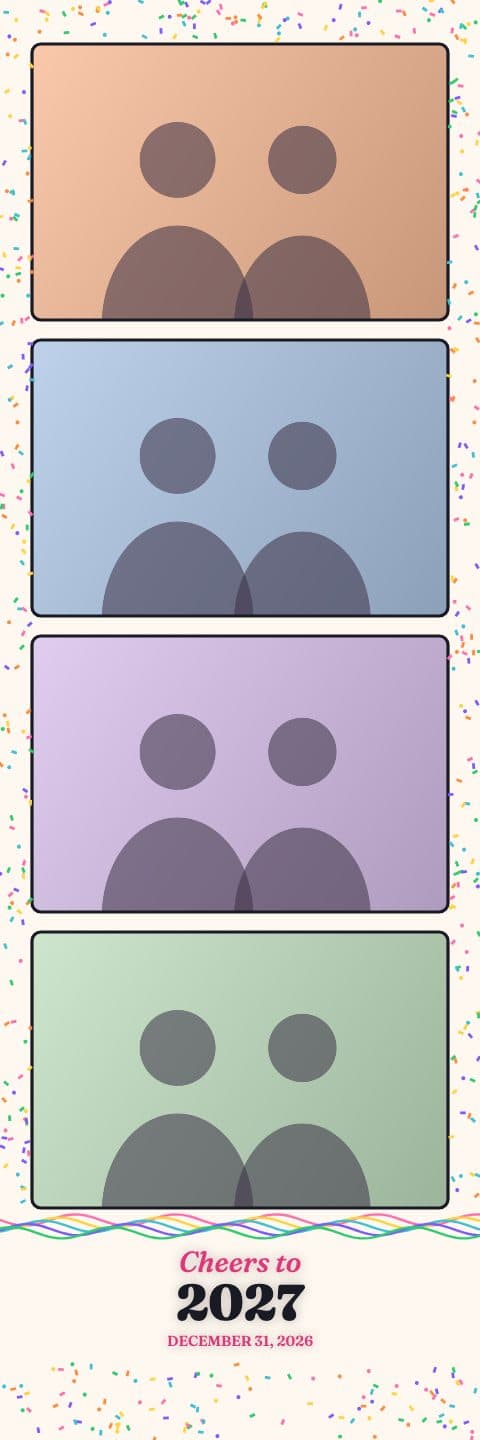
Confetti Pop
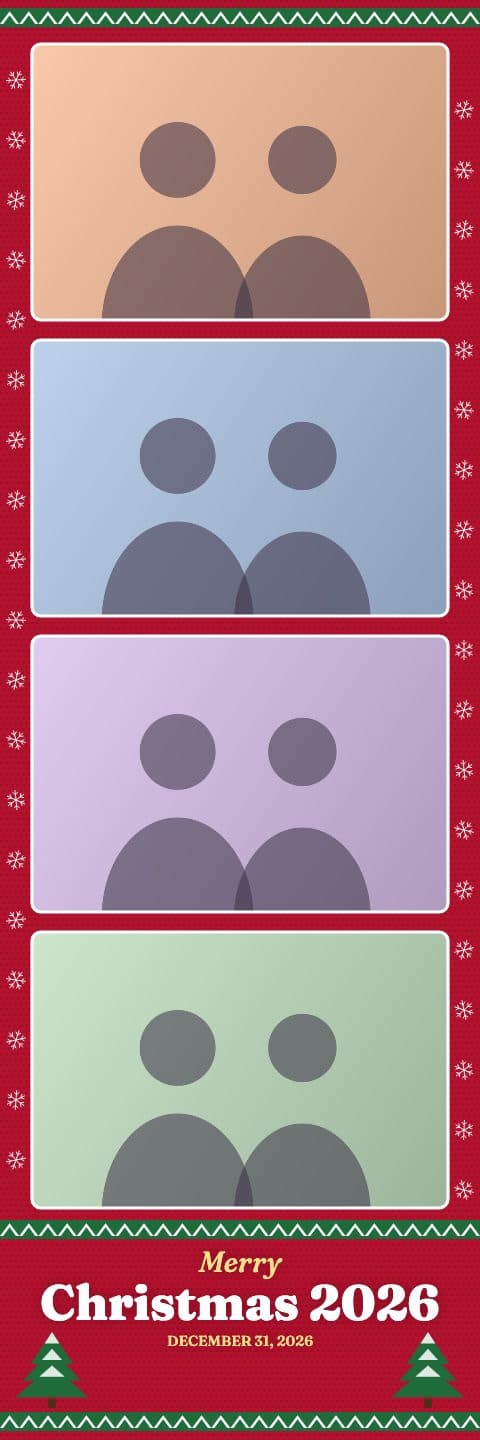
Ugly Sweater
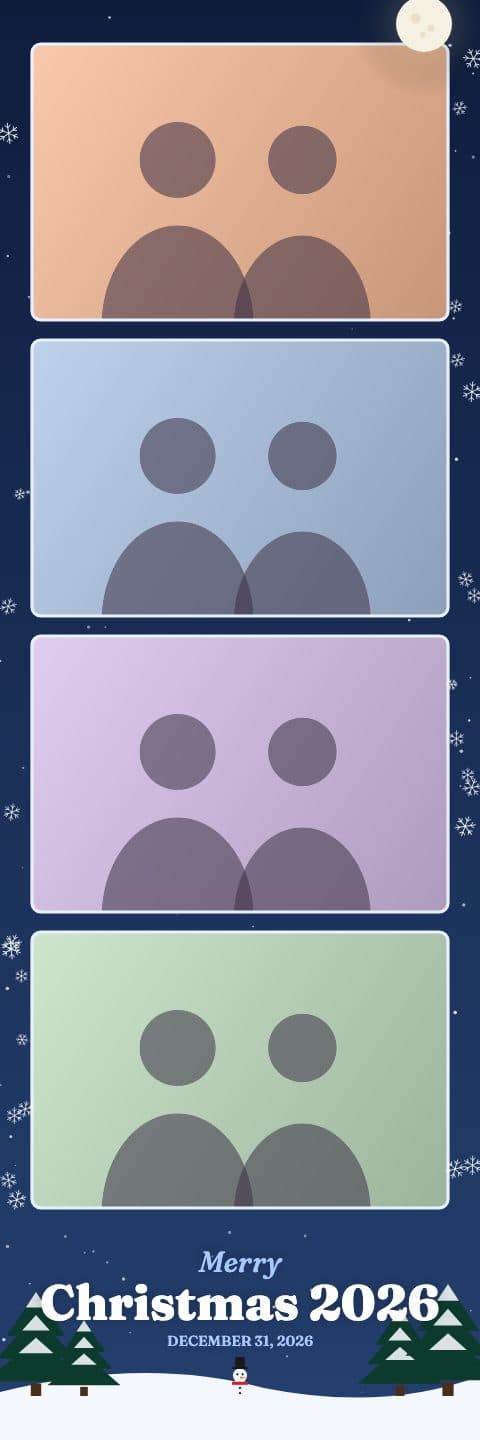
Snowy Night
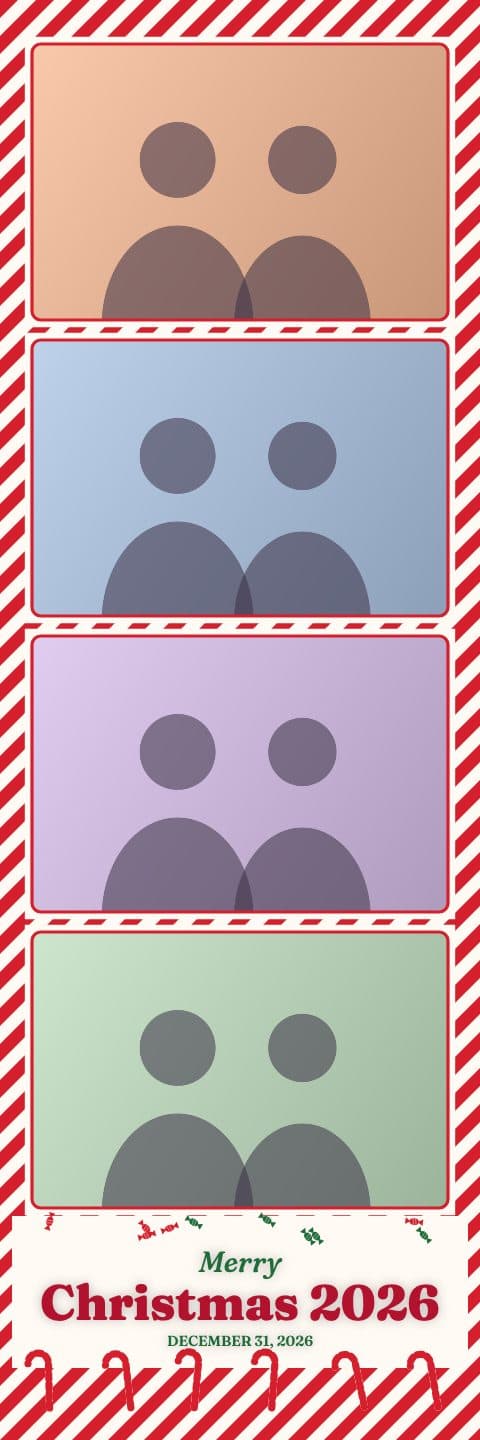
Candy Cane Lane
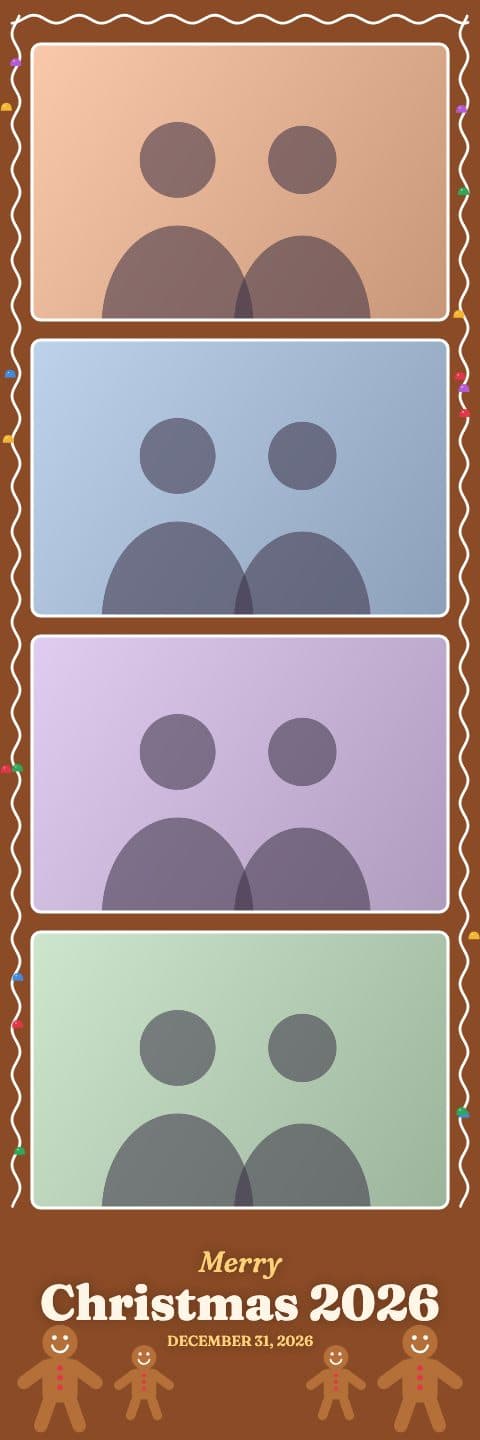
Gingerbread
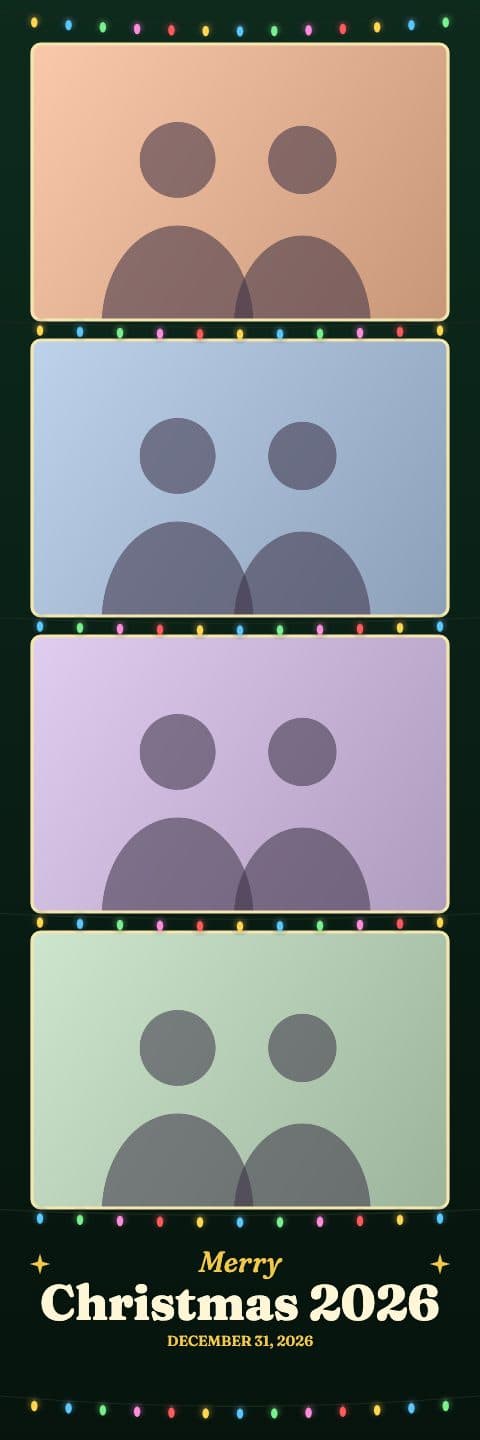
Twinkle Lights
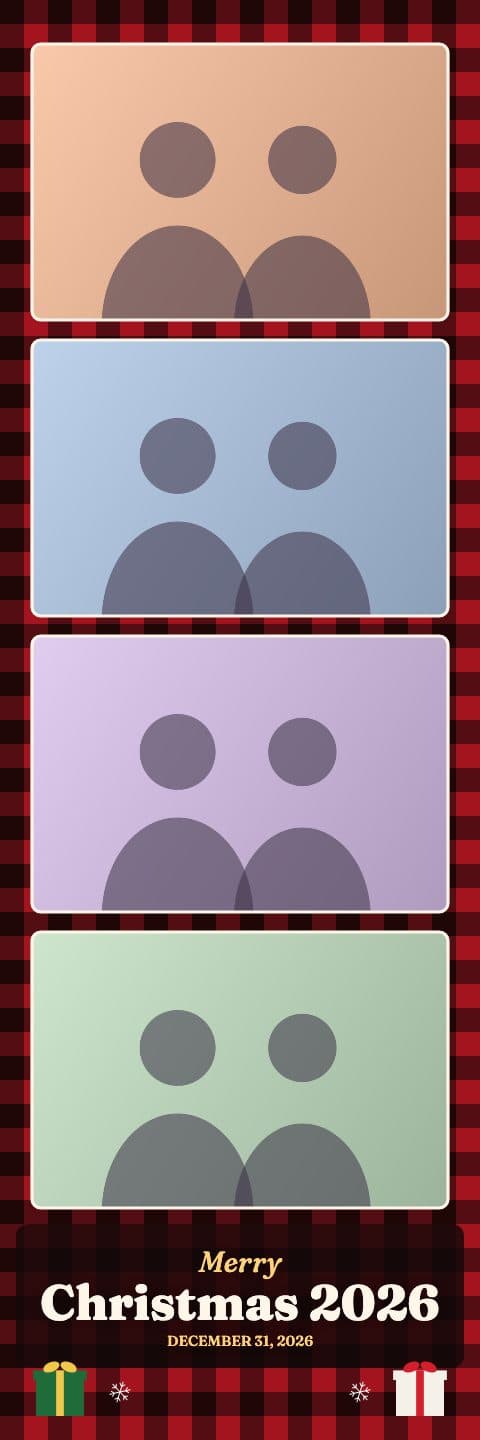
Cozy Plaid
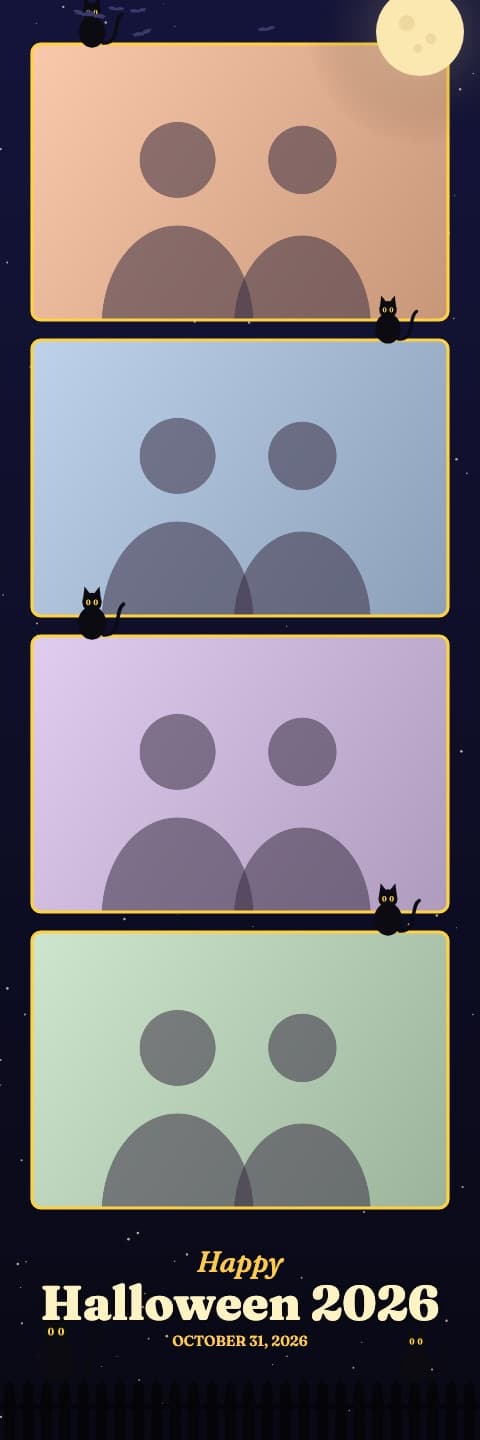
Black Cat Moon
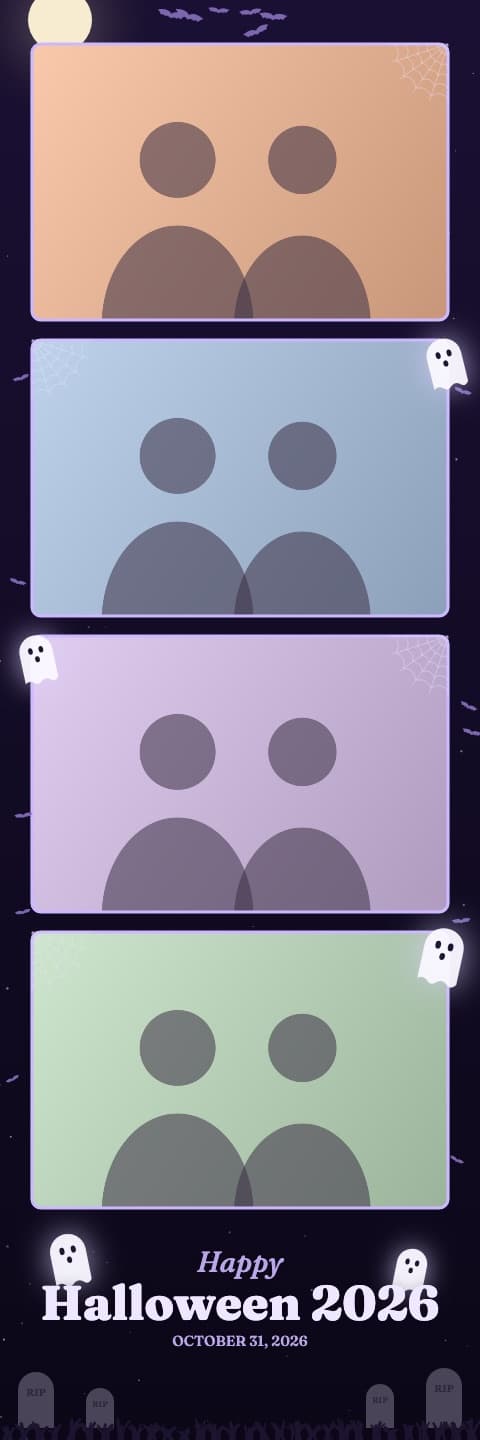
Haunted Night
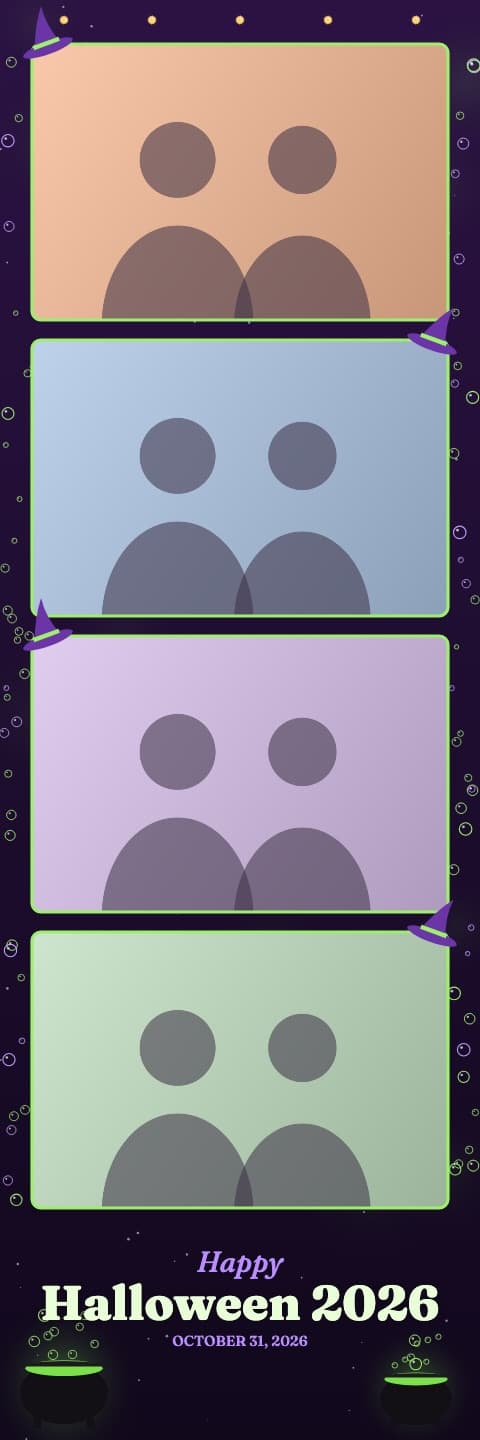
Witch's Brew
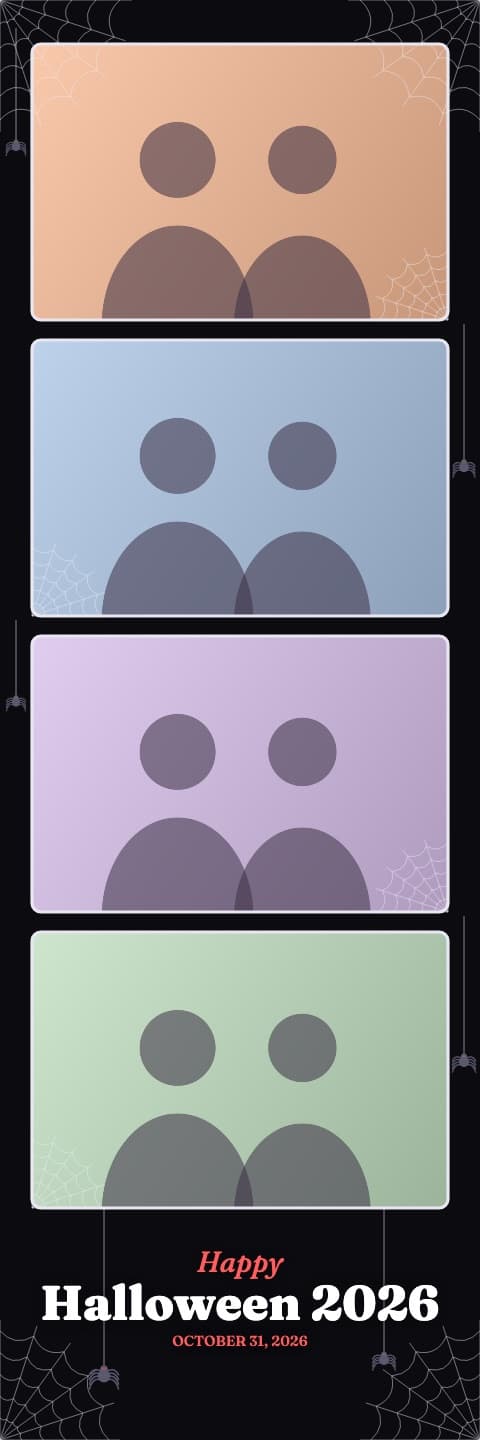
Spider Web
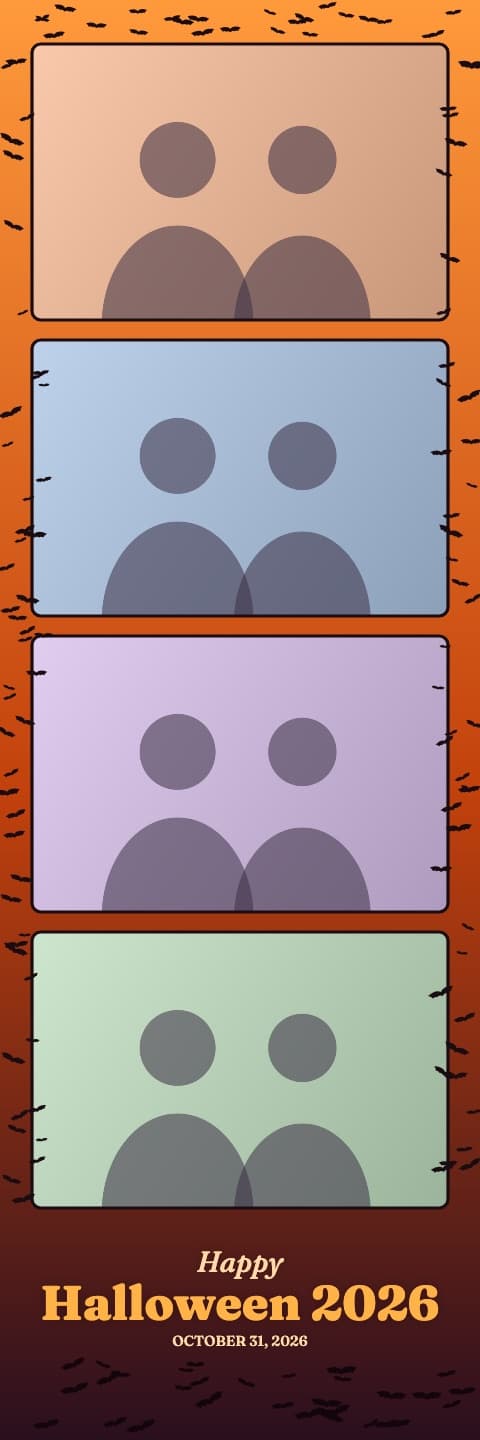
Bat Swarm
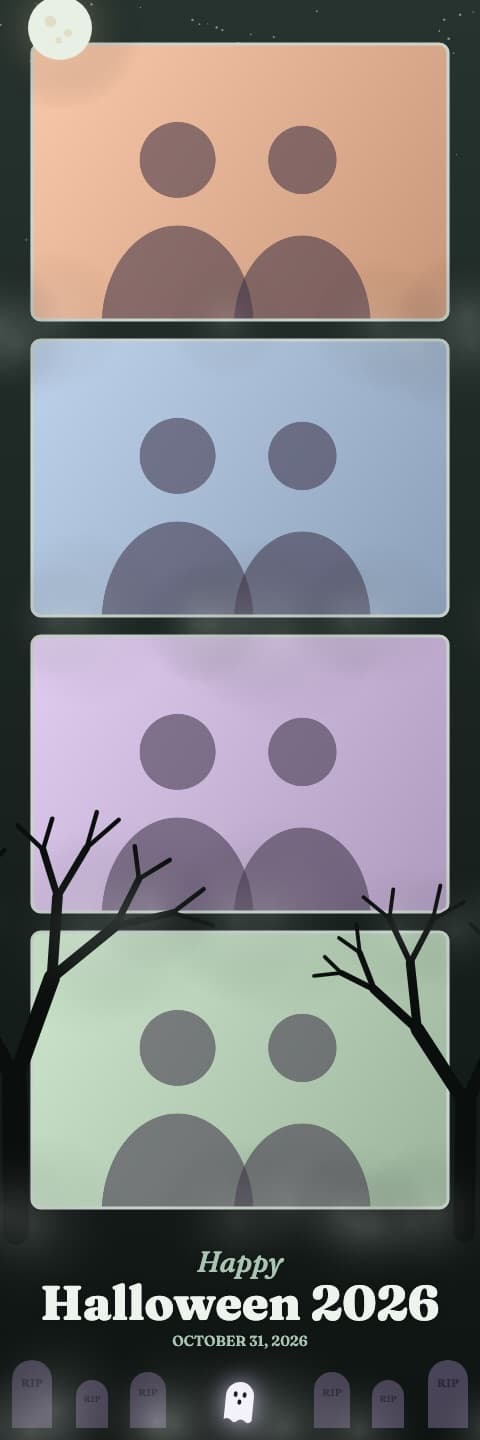
Graveyard Fog
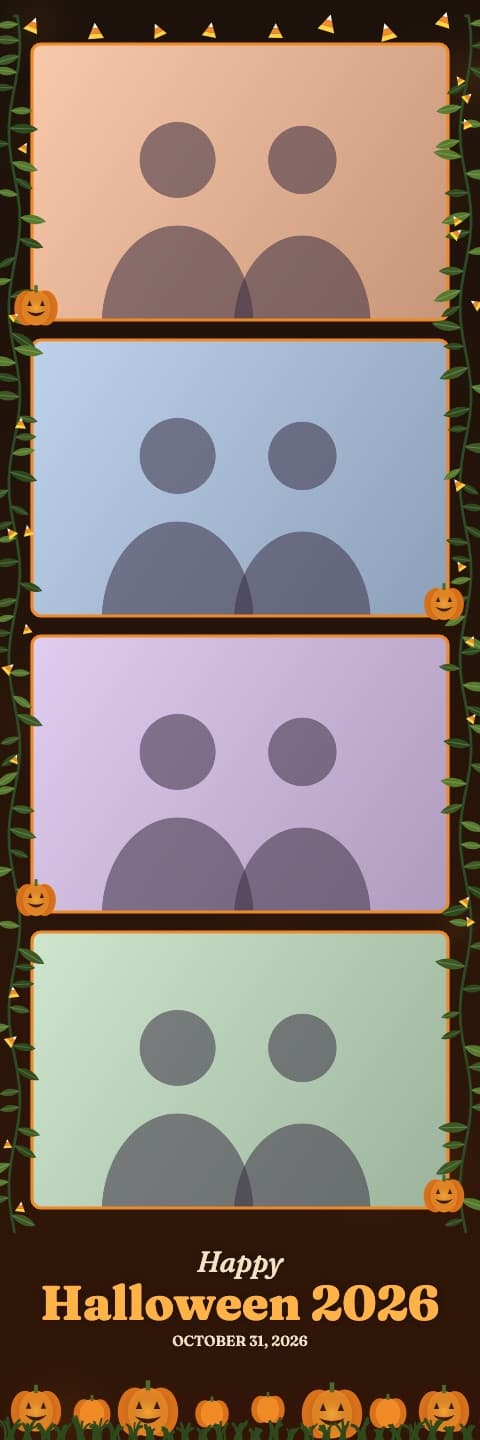
Pumpkin Patch
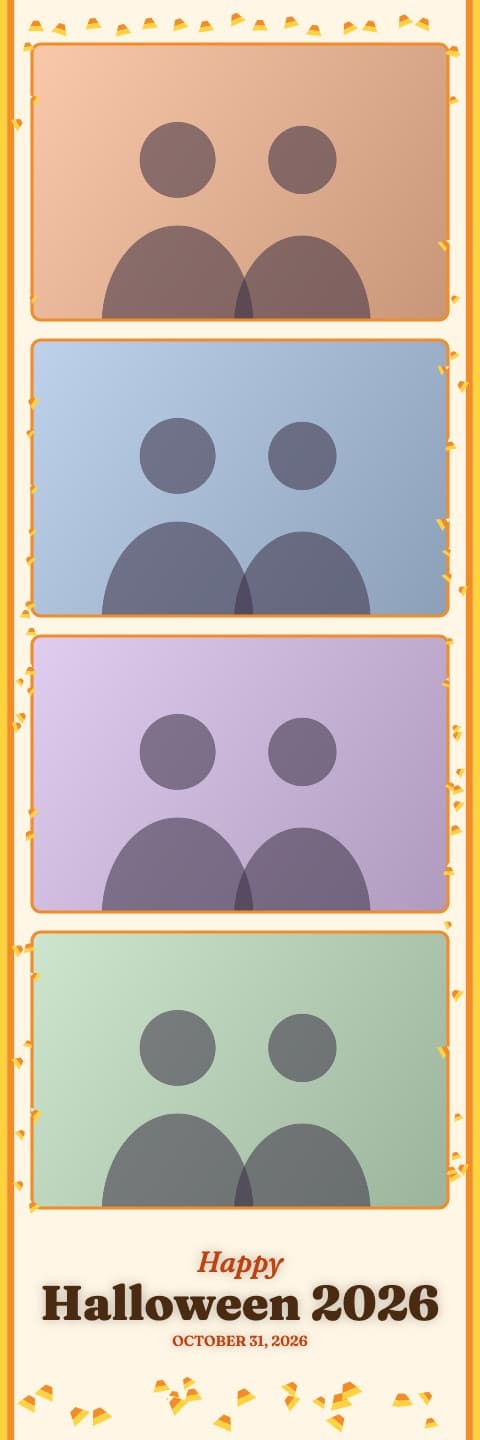
Candy Corn
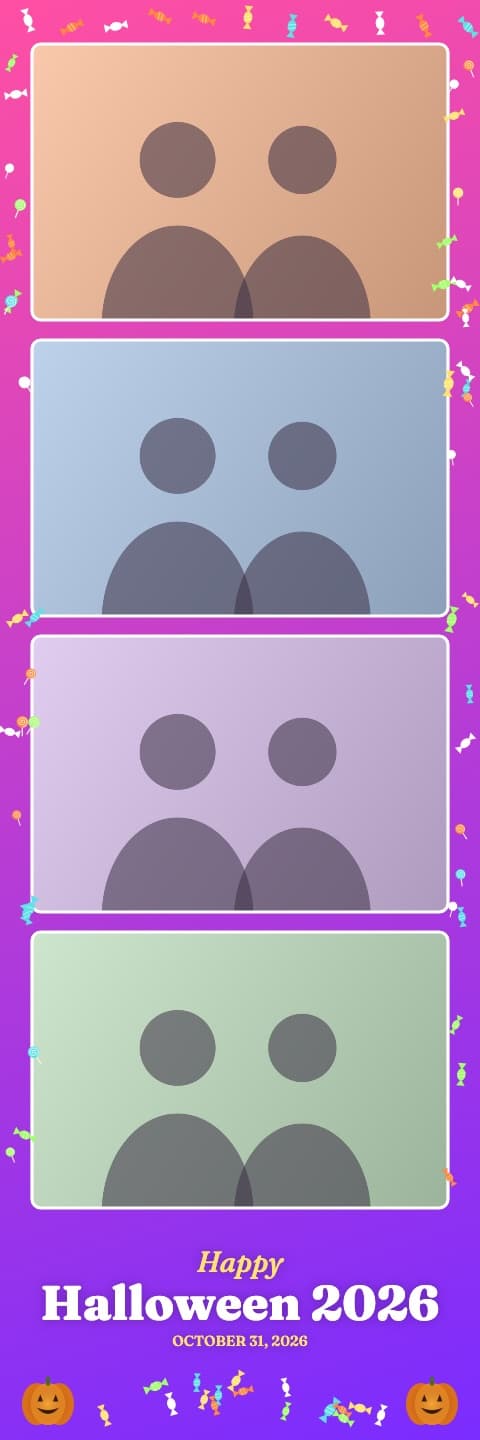
Trick or Treat
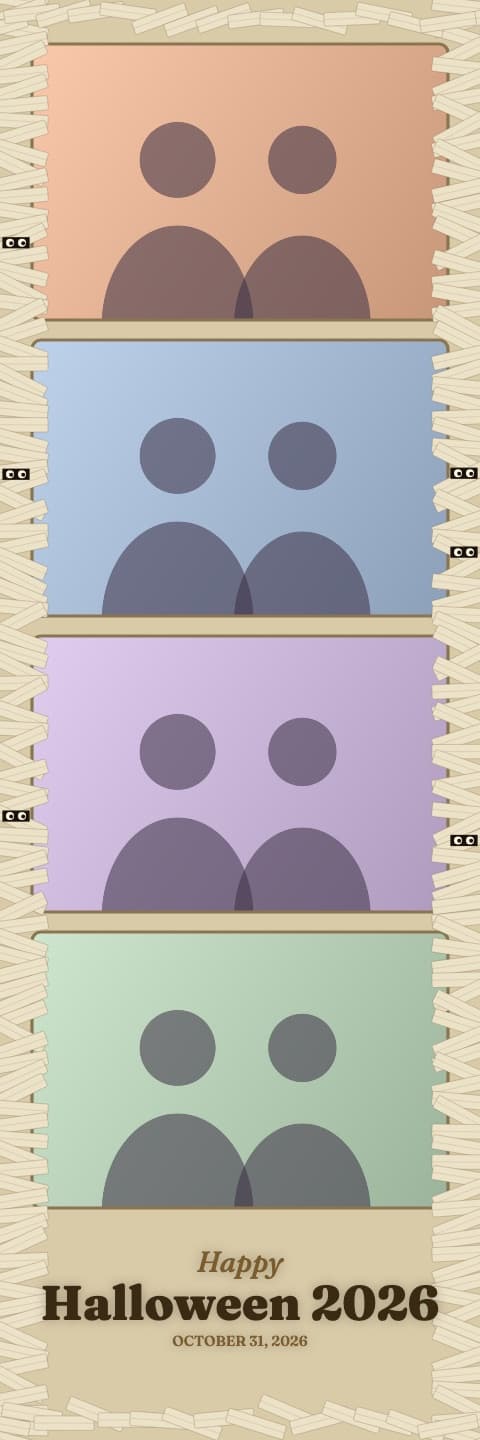
Mummy Wrap
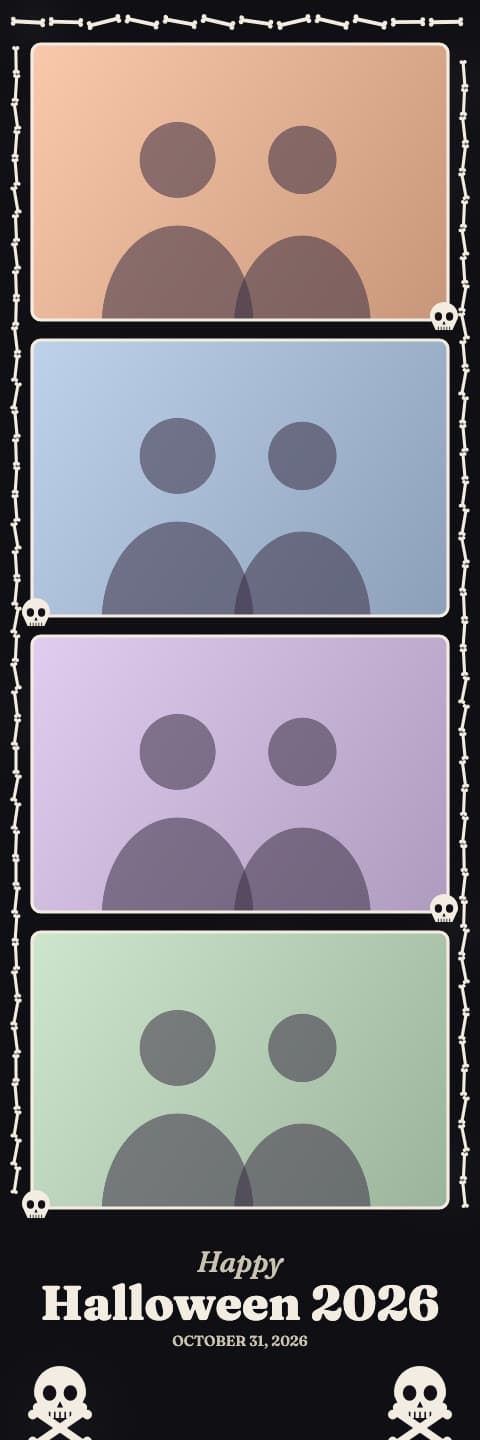
Skeleton Bones
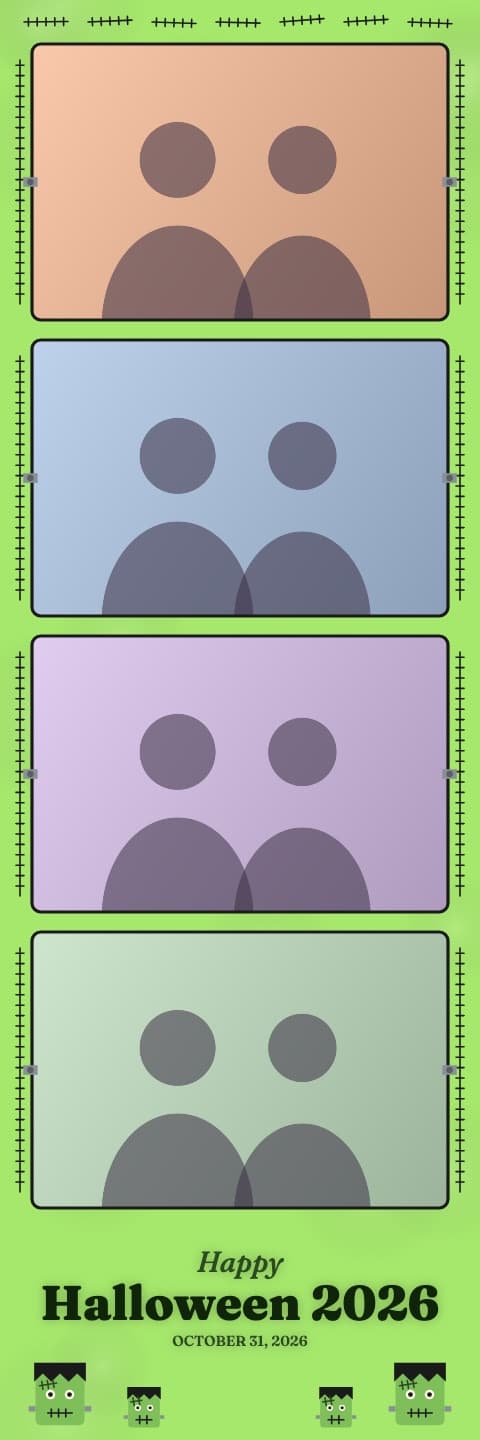
Monster Mash
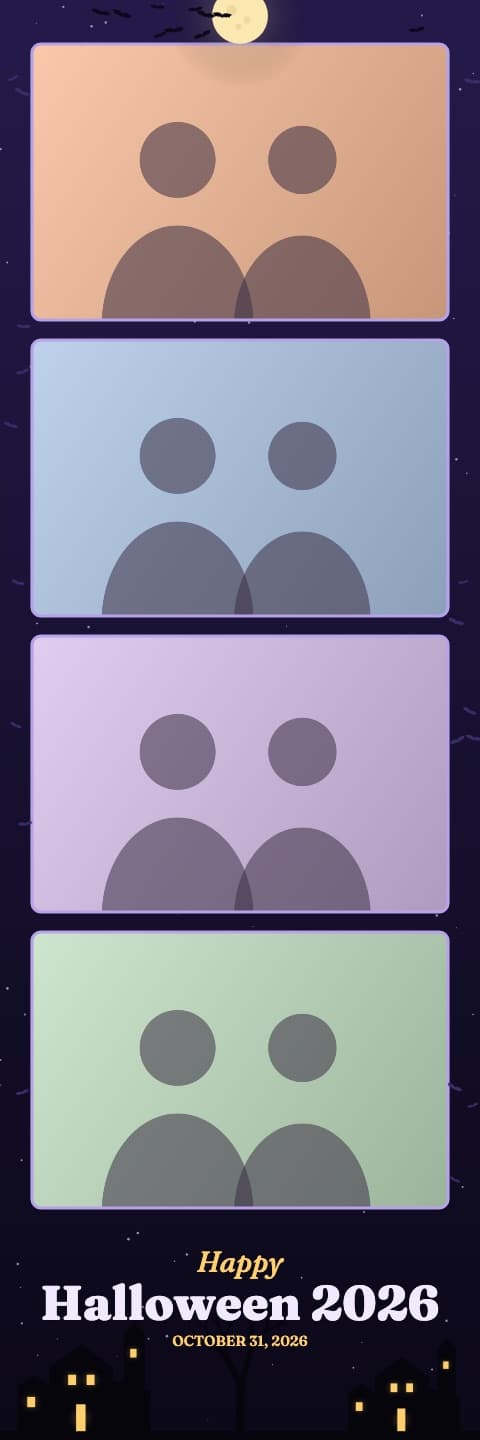
Haunted Mansion
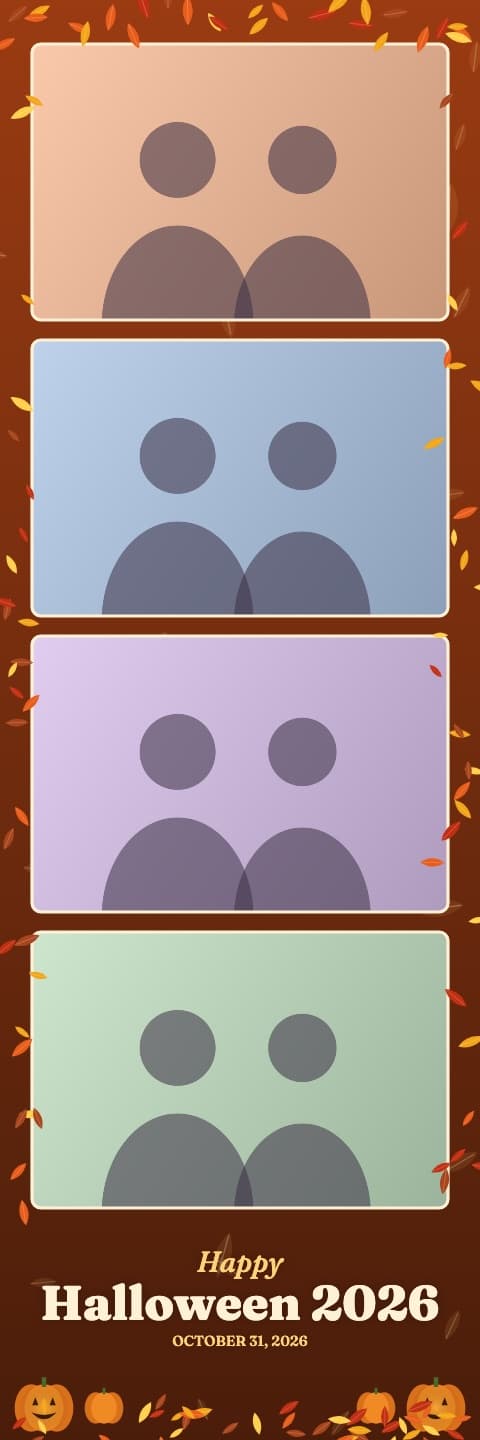
Autumn Harvest
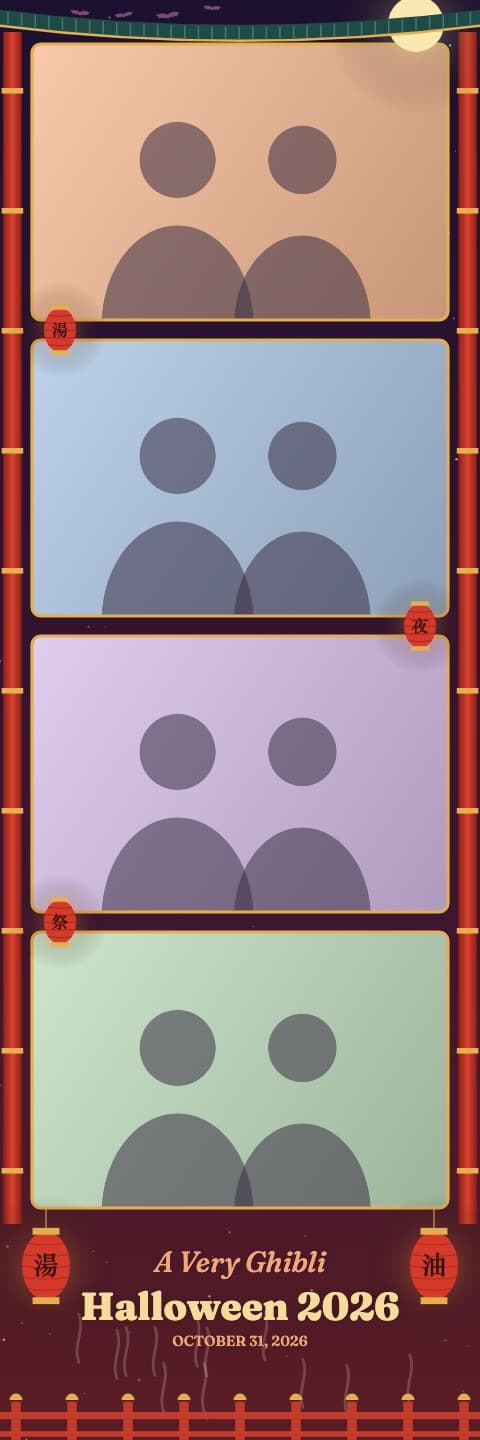
Bathhouse Night
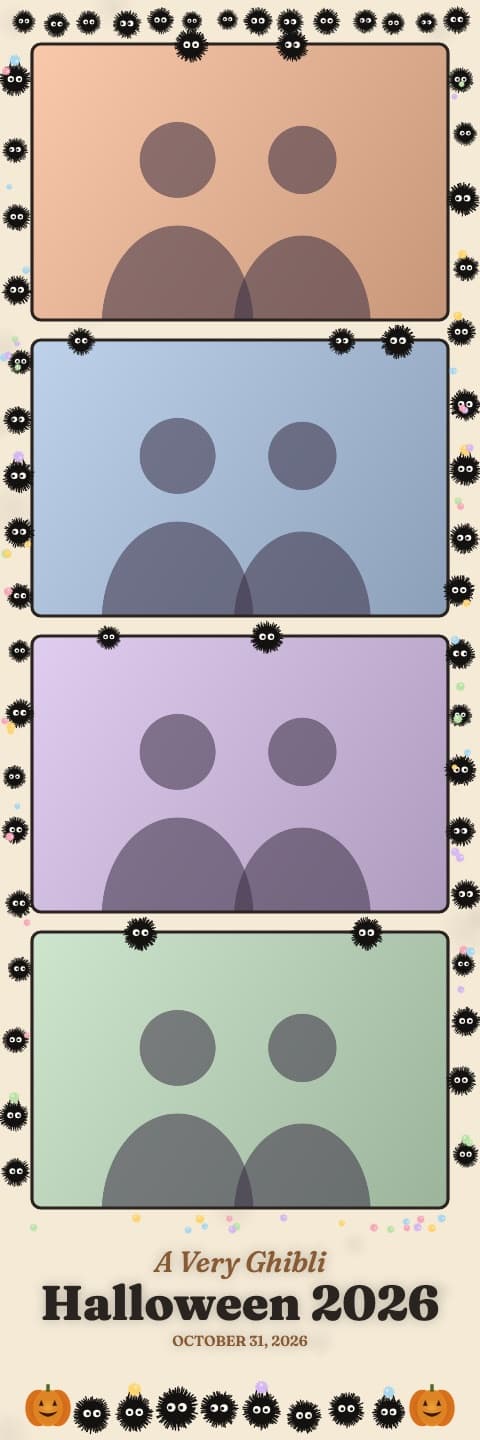
Soot Sprites
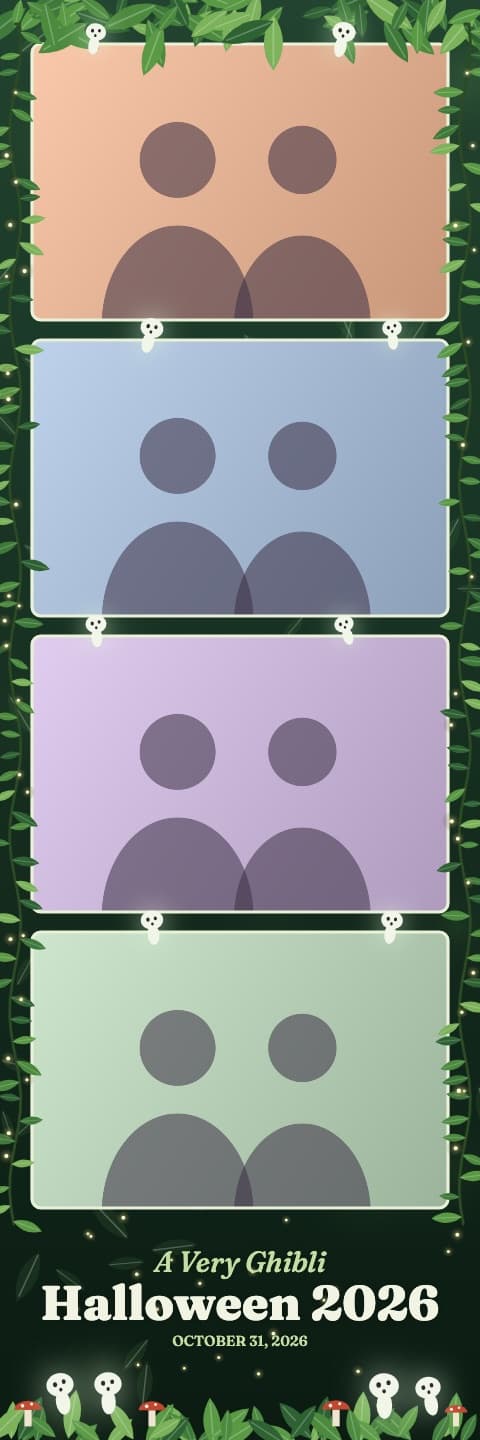
Spirit Forest
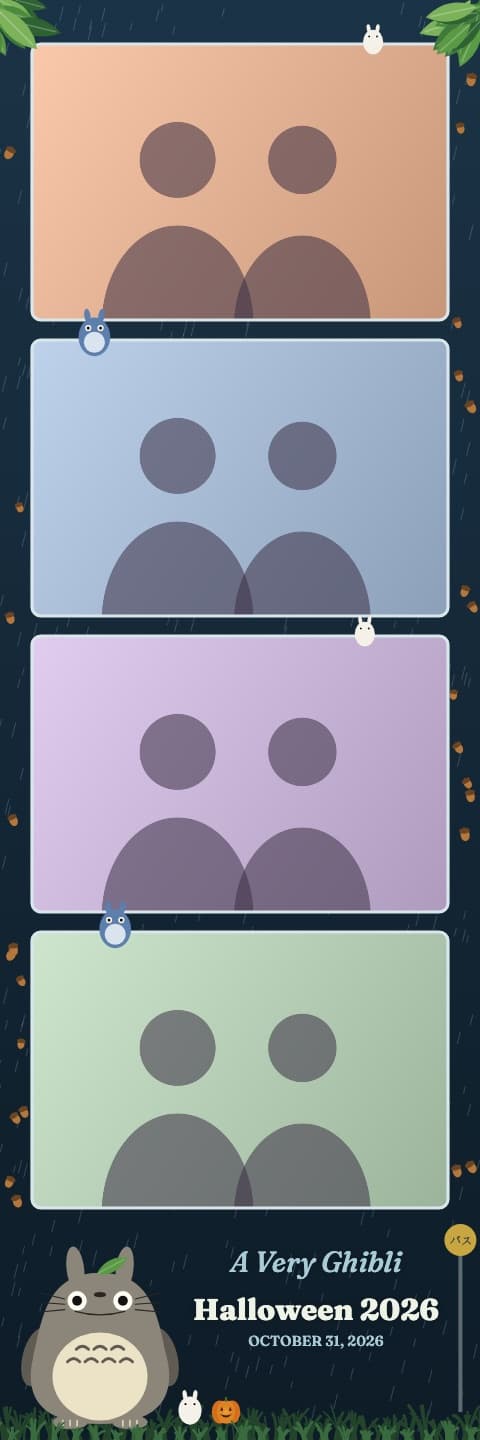
Rainy Bus Stop
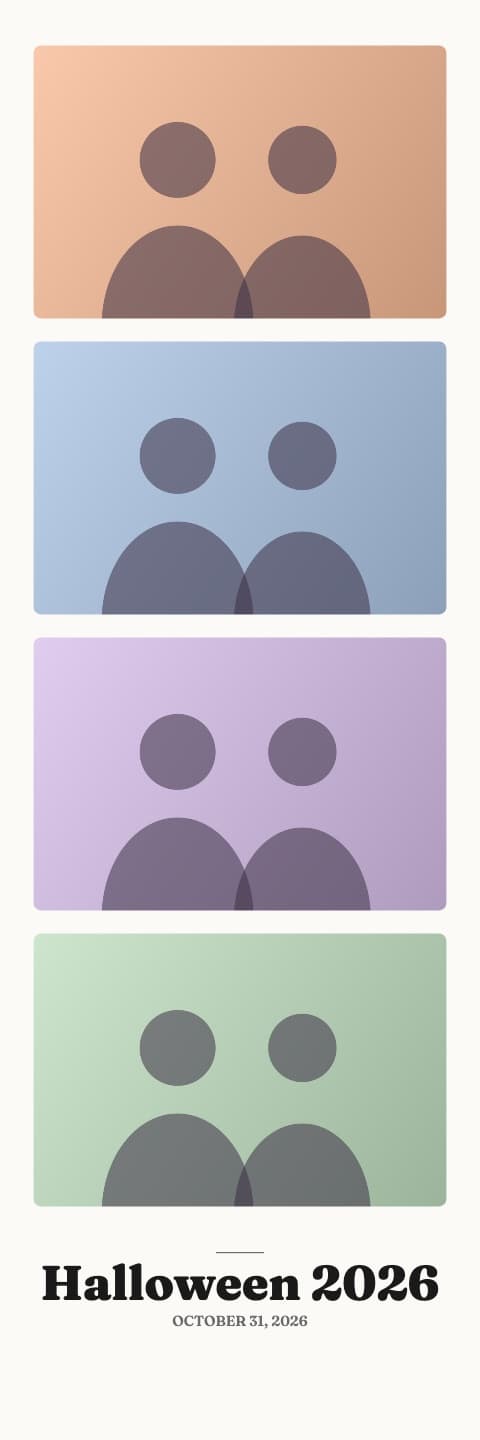
Classic White
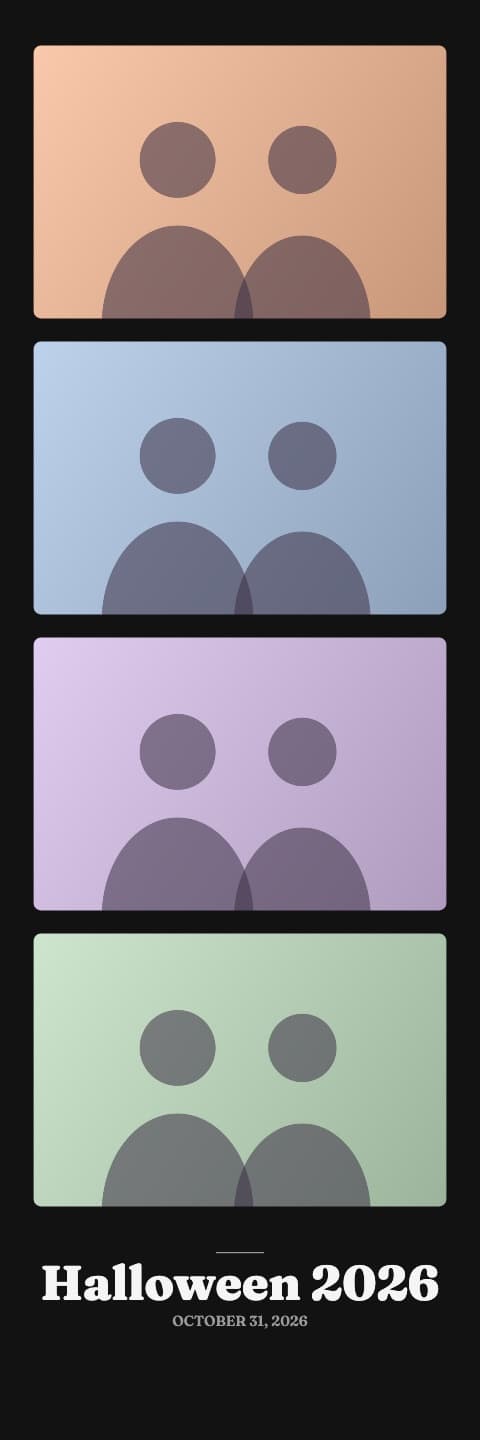
Classic Black
Frequently asked questions
What size is a photo booth strip?
The classic photo booth strip is 2 by 6 inches with four photos stacked on top of each other. Our strips are made at 600 dots per inch, which is 1200 by 3600 pixels, so they print sharp at full size.
How do I print a photo strip at home or at a store?
Most photo printers and stores print 4 by 6 inch photos. Put two 2 by 6 strips side by side on one 4 by 6 print and cut down the middle, and you get two strips for the price of one.
Can I use photos I already took?
Yes. The strip maker works with any photos on your phone or computer. Each one is cropped to the photo slot from the center. Pick fewer than four and they repeat to fill the strip.
Is the photo strip maker free?
Yes. Every frame is free, there is no sign-up and there is no watermark.
Do my photos get uploaded?
Your four photos are turned into a strip on your device. Only the finished strip is uploaded, and only if you get to the share screen, so the QR code and email can work. It is kept under a private link and deleted after 30 days.
More photo booth tools
- Free Photo Booth Strip Templates (2x6 PNG)
Free 2x6 photo booth strip templates with transparent photo windows. Download a PNG for Canva or Photoshop, or fill one with your photos automatically.
- Free Halloween Photo Booth App
A free Halloween photo booth that runs in your browser: 4 shots, 20 spooky photo strip frames, your party name on the strip. No app or sign-up.
- Printable Halloween Photo Booth Props
Free printable Halloween photo booth props: witch hats, fangs, bats, speech bubbles and more on one page. Print, cut, tape to sticks and pose.