A free Halloween photo booth app in your browser
Set up a Halloween photo booth in two minutes. Stand an iPad, phone or laptop at eye level, open this page and guests get a countdown, four photos and a spooky photo strip with your party name on it. No app to install, no sign-up. Guests scan a QR code or email the strip to themselves.
Setting up a Halloween photo booth at home
- Pick the spot. A plain wall, a door or a dark sheet works best as a backdrop. Leave room for three or four people to stand side by side about six feet from the screen.
- Raise the camera to eye level. Use a tablet stand, a music stand or a stack of books on a table. Plug the device in so it lasts the whole party.
- Light the faces. Put a lamp or a ring light behind the device, pointing at your guests. Orange or purple bulbs behind them add glow without darkening faces.
- Open the booth. Open this page, allow the camera and type your party name. On an iPad, turn on Guided Access (Settings, Accessibility) so guests cannot leave the booth.
- Add props. Print our free Halloween photo booth props, cut them out and tape them to sticks.
Halloween photo booth ideas guests love
- Group shot challenges: scariest face, best villain pose, everyone screams on photo three.
- A costume parade: each guest takes one strip in costume, and you pick a winner at the end.
- Match the frame to the costume: Mummy Wrap for mummies, Monster Mash for monsters, Witch's Brew for witches.
- Dim the room lights and use Haunted Night or Graveyard Fog for the moodiest strips.
Real strips from the party where it started
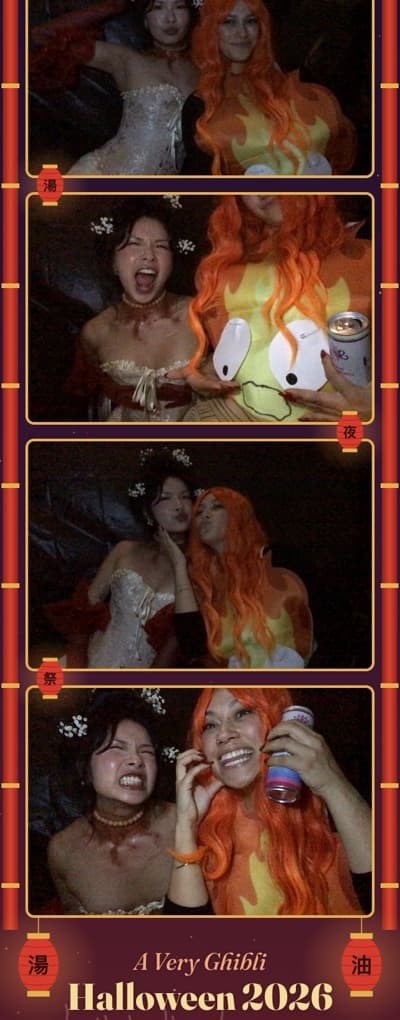
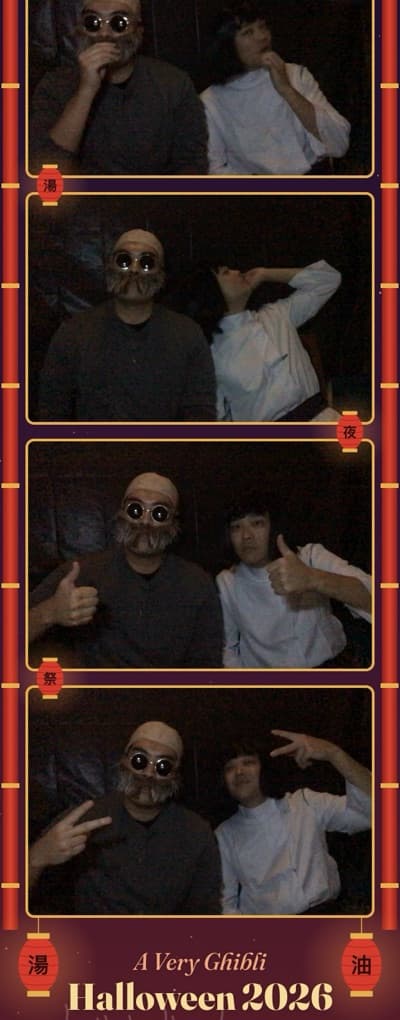
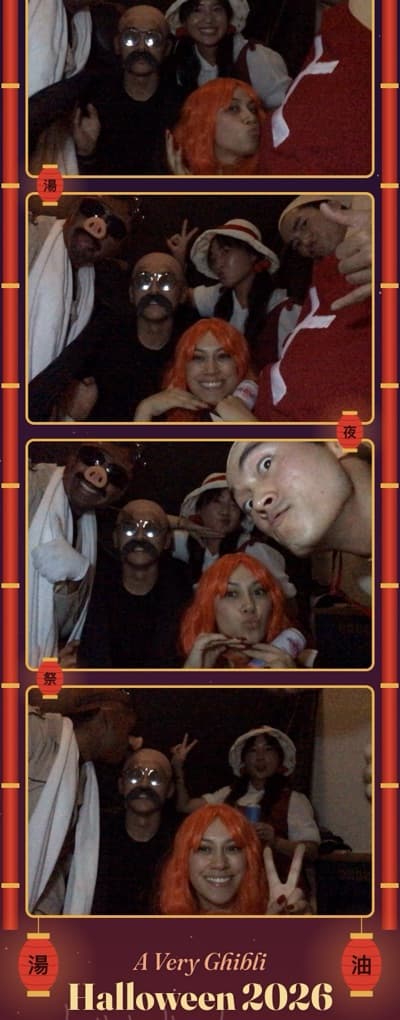
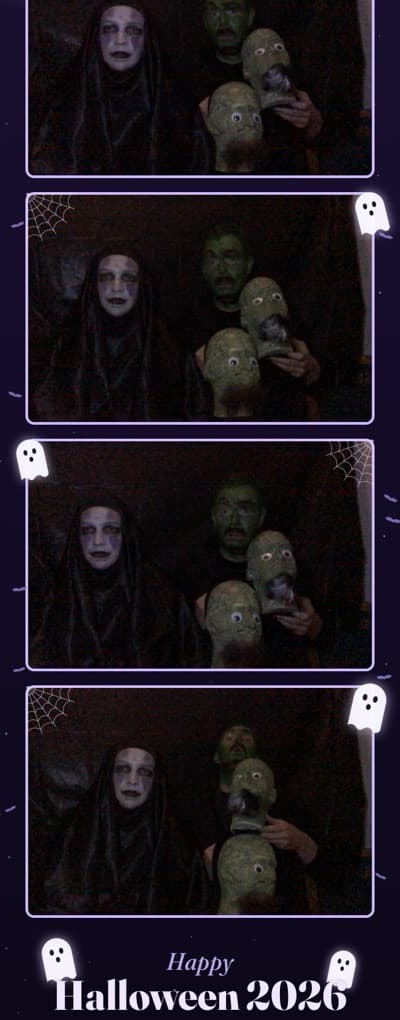
We built this booth for our own Ghibli Halloween party. A few of the strips our guests made, shared with permission:
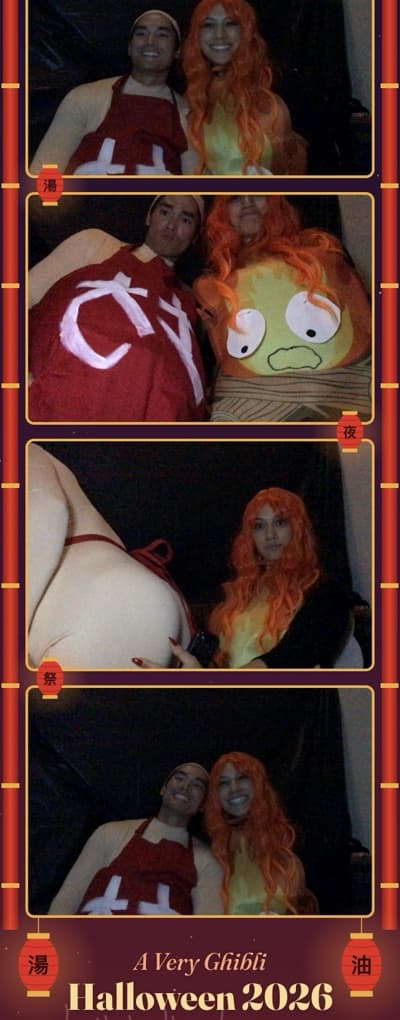
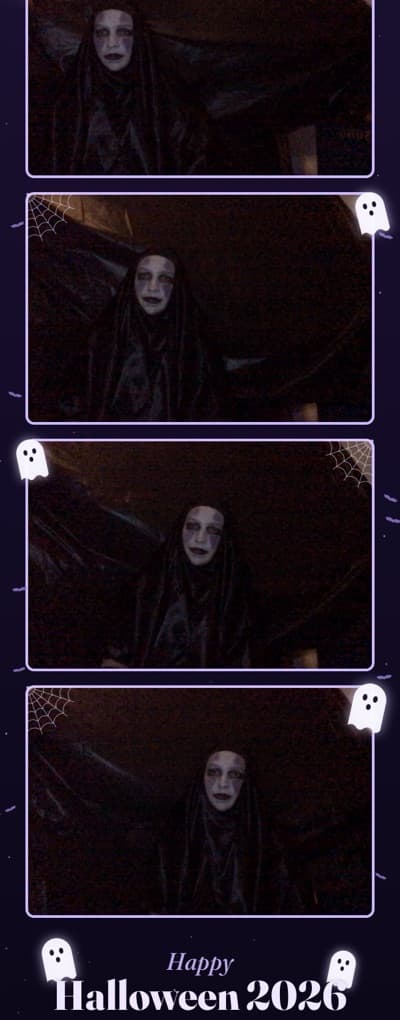
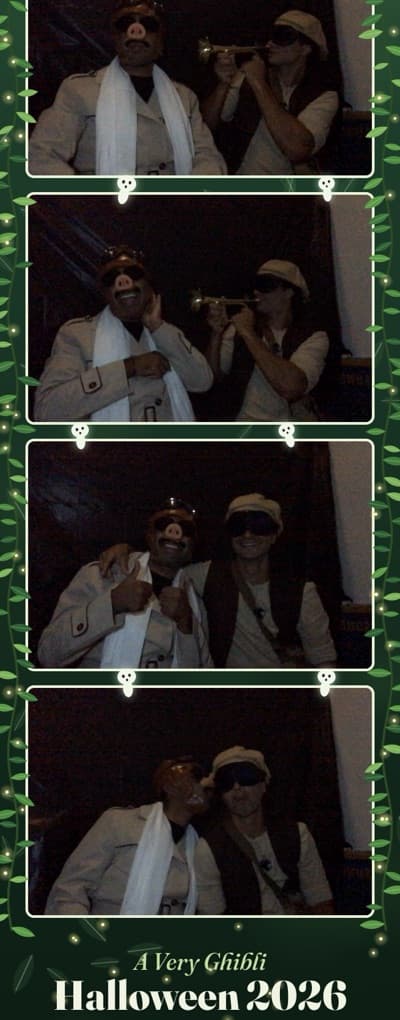
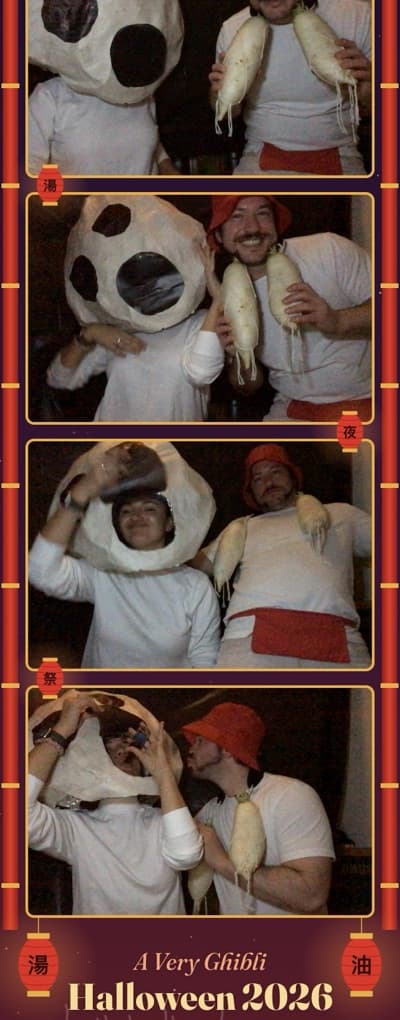
All 20 Halloween photo booth frames
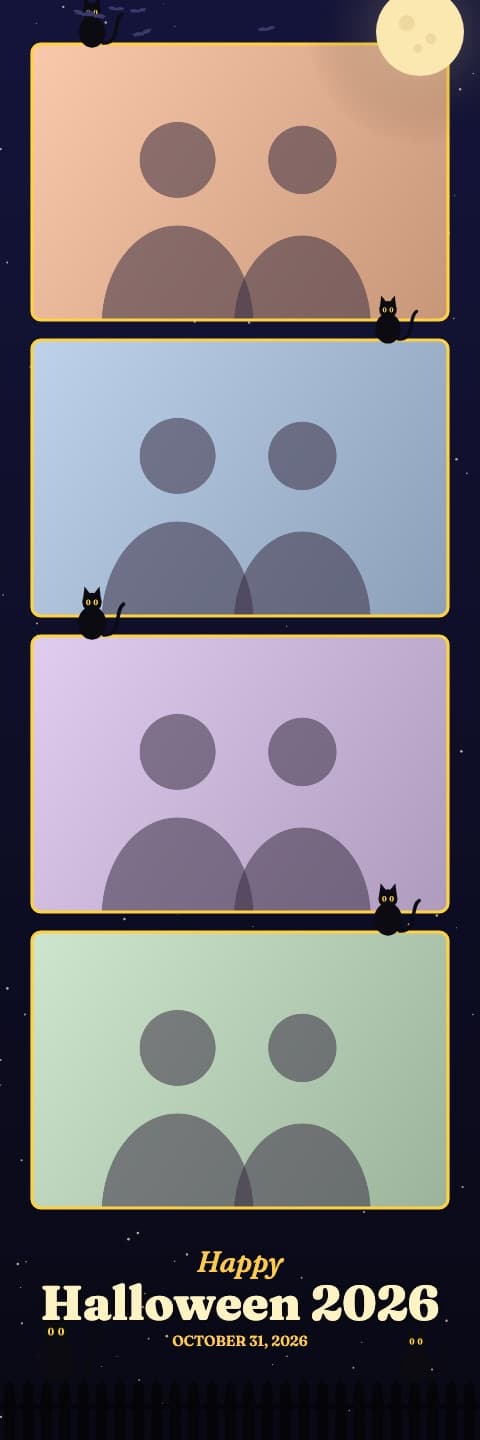
Black Cat Moon
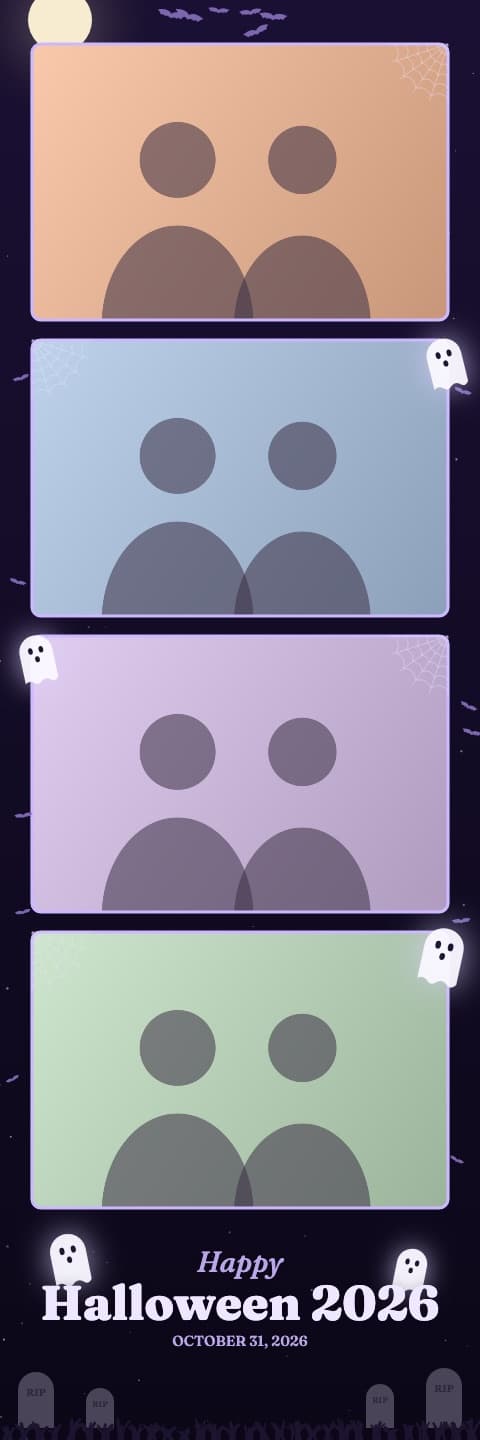
Haunted Night
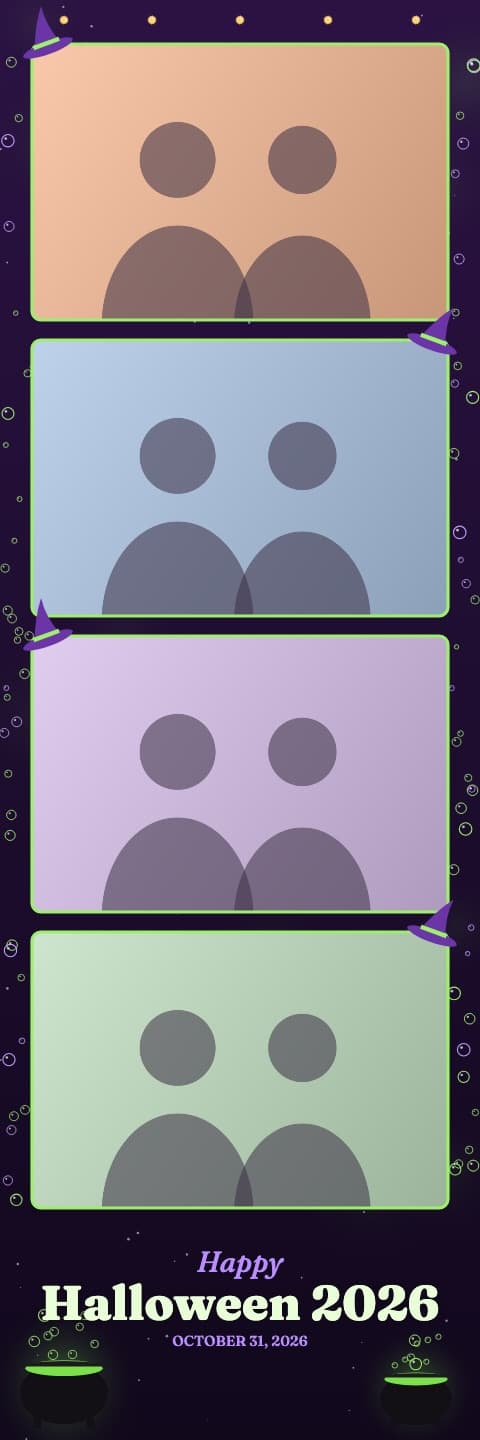
Witch's Brew
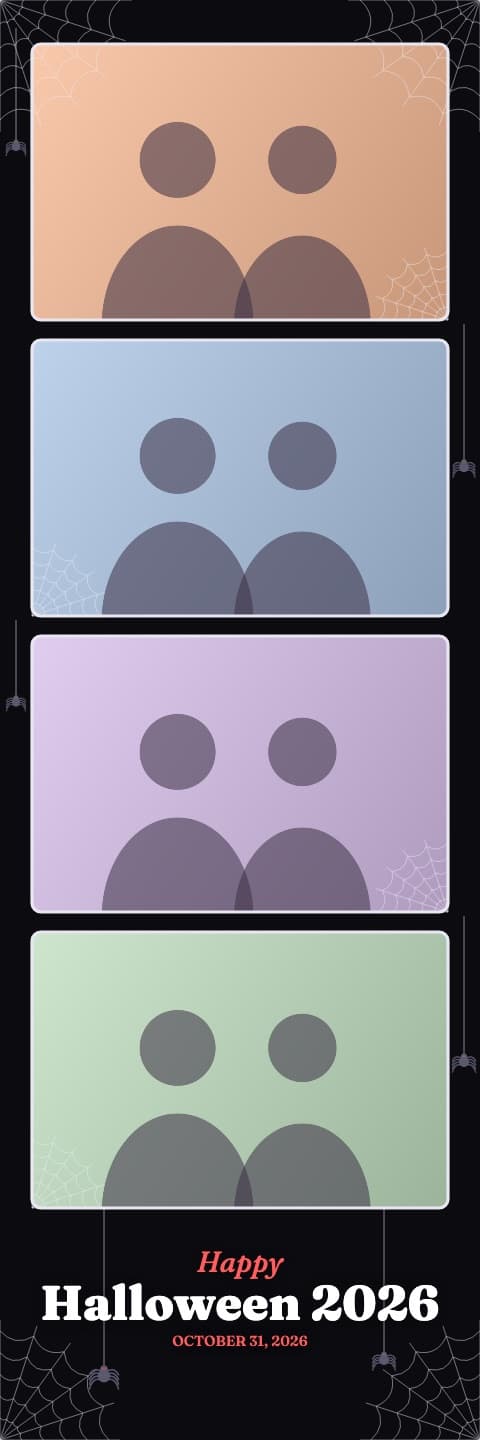
Spider Web
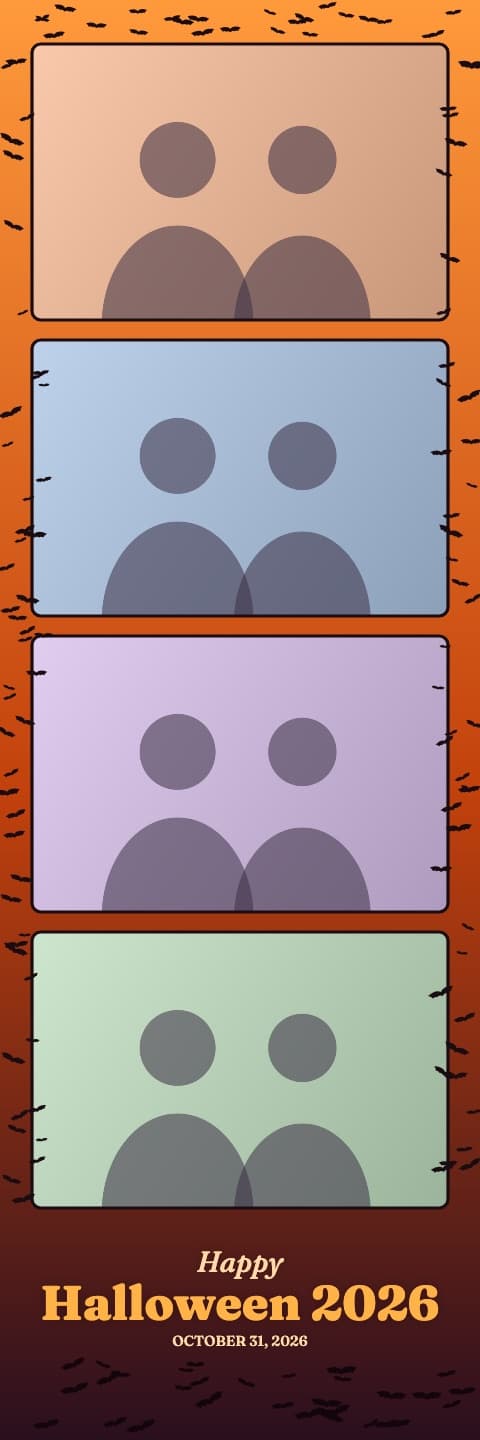
Bat Swarm
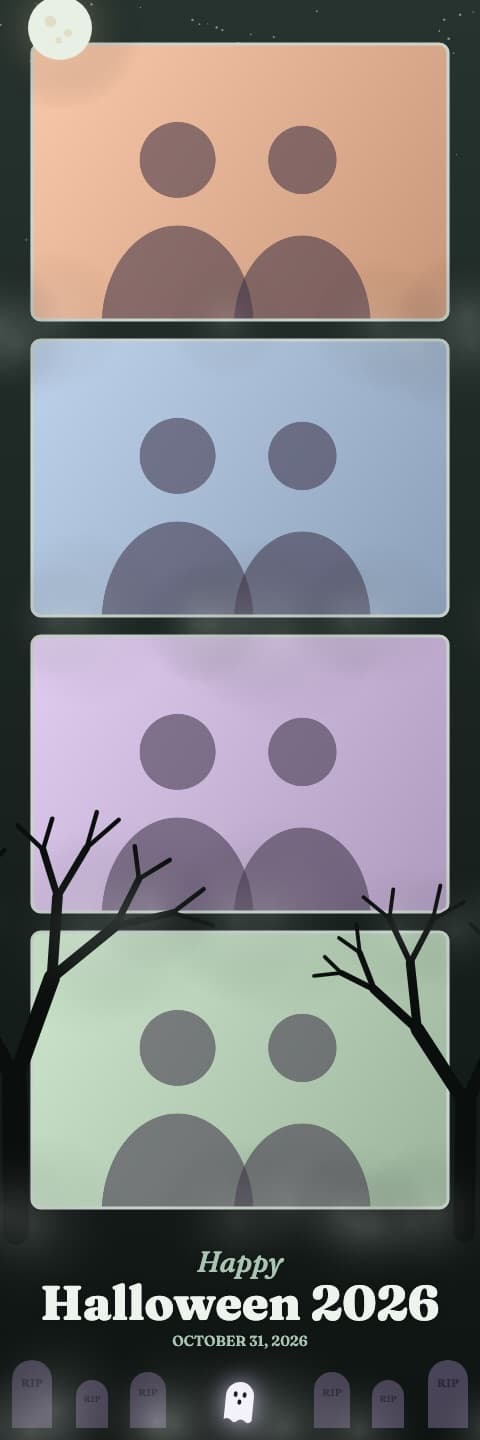
Graveyard Fog
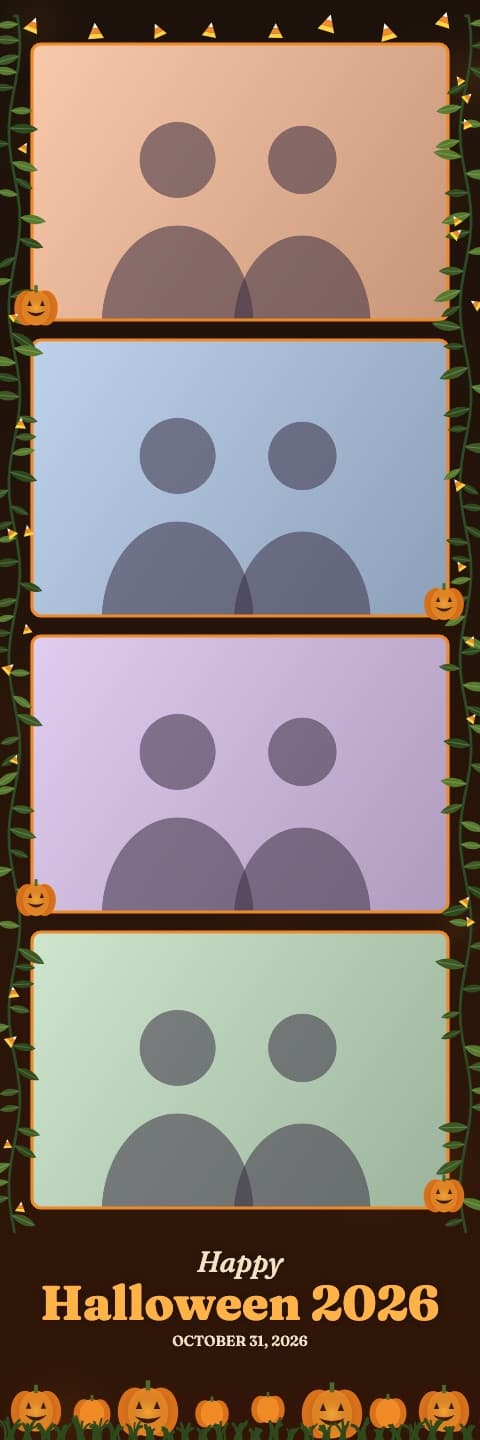
Pumpkin Patch
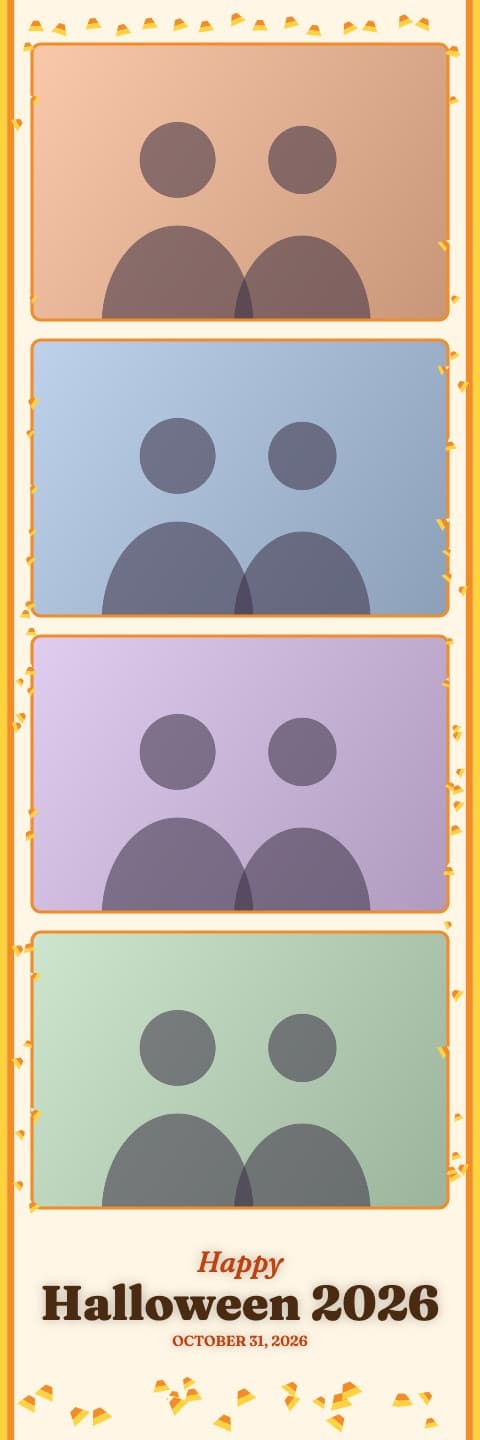
Candy Corn
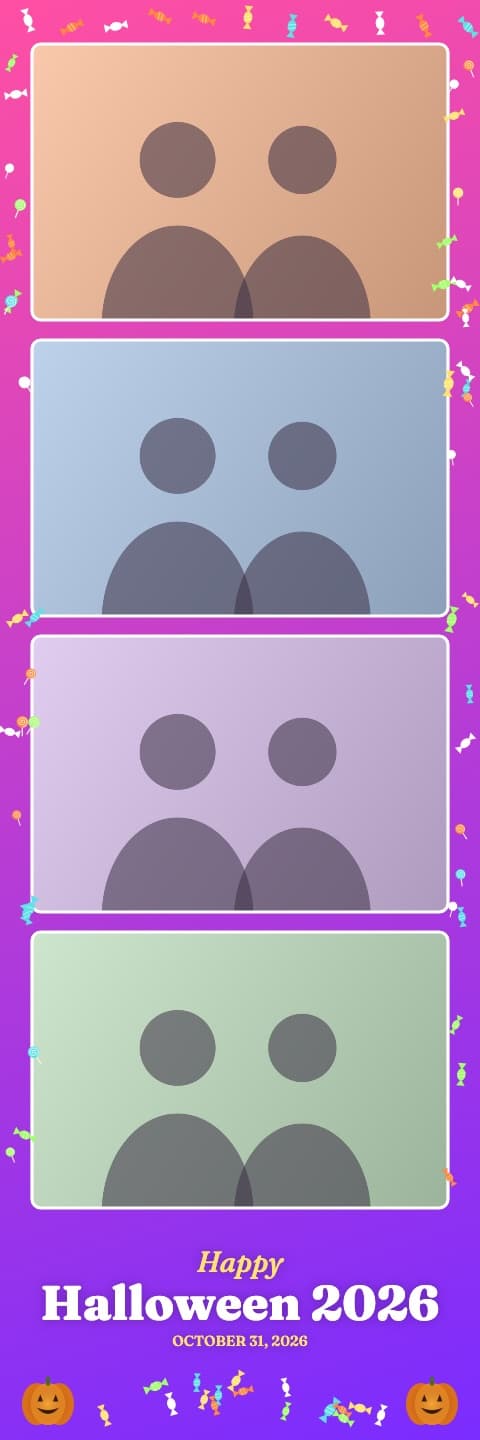
Trick or Treat
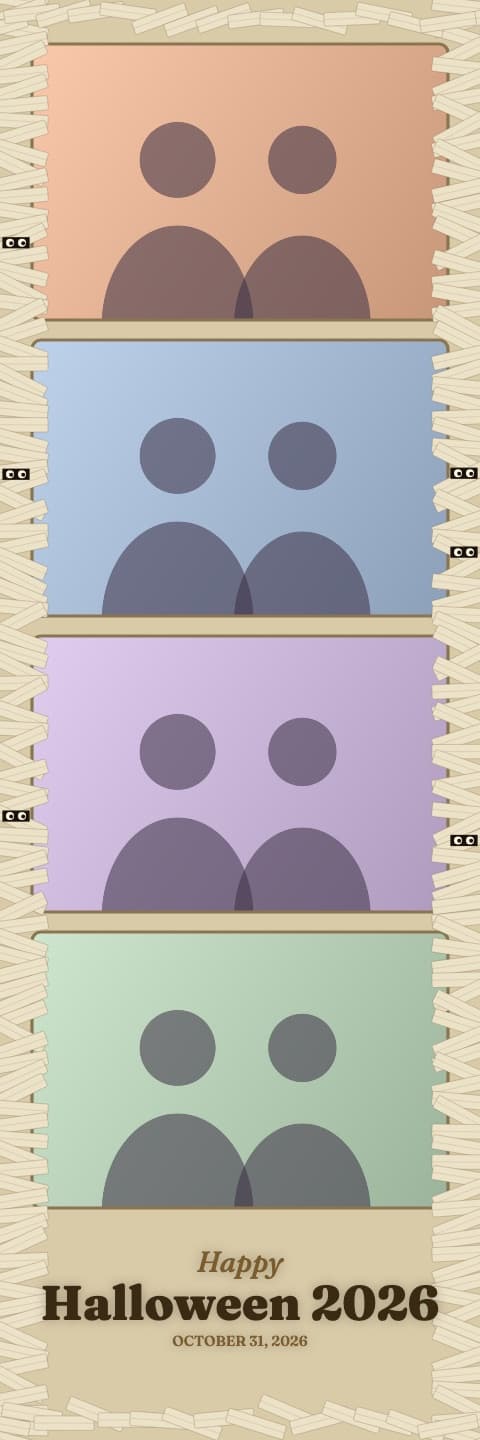
Mummy Wrap
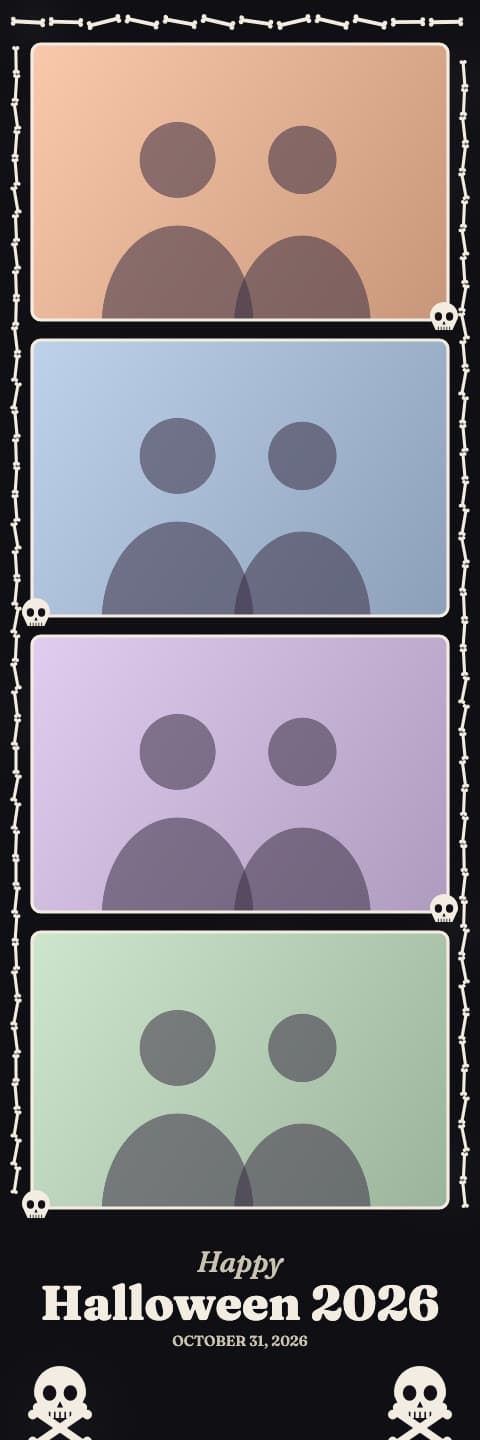
Skeleton Bones
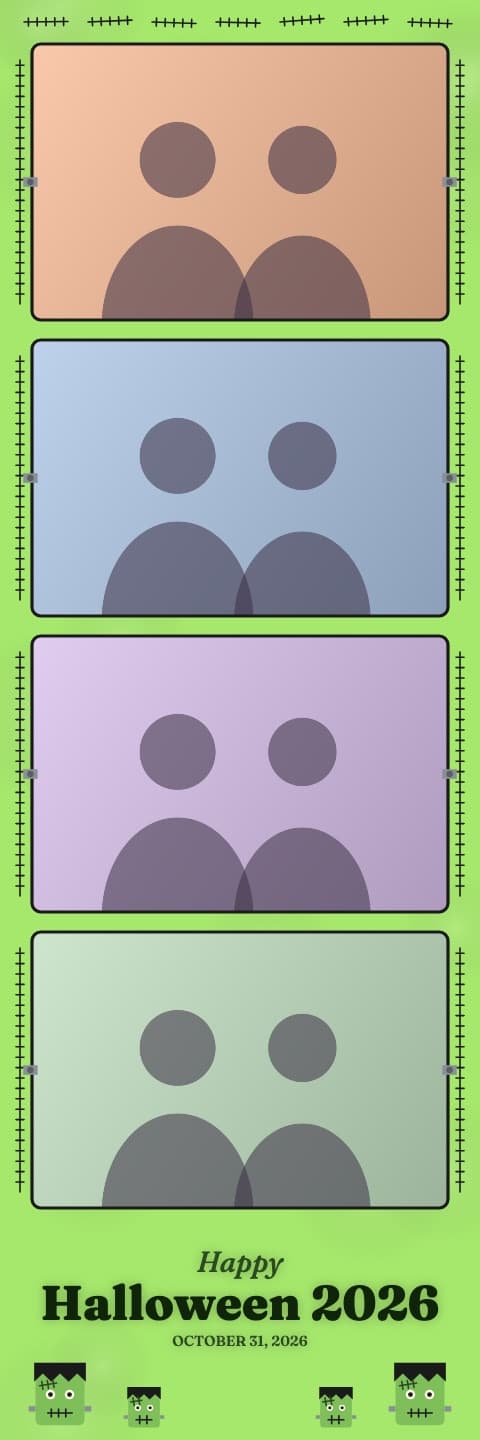
Monster Mash
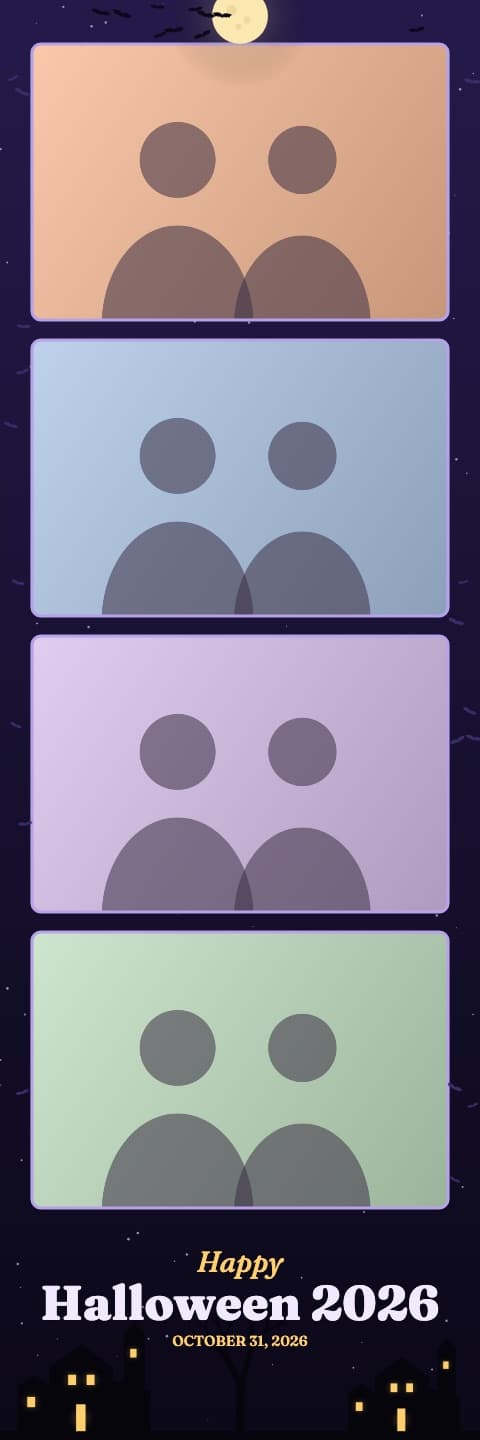
Haunted Mansion
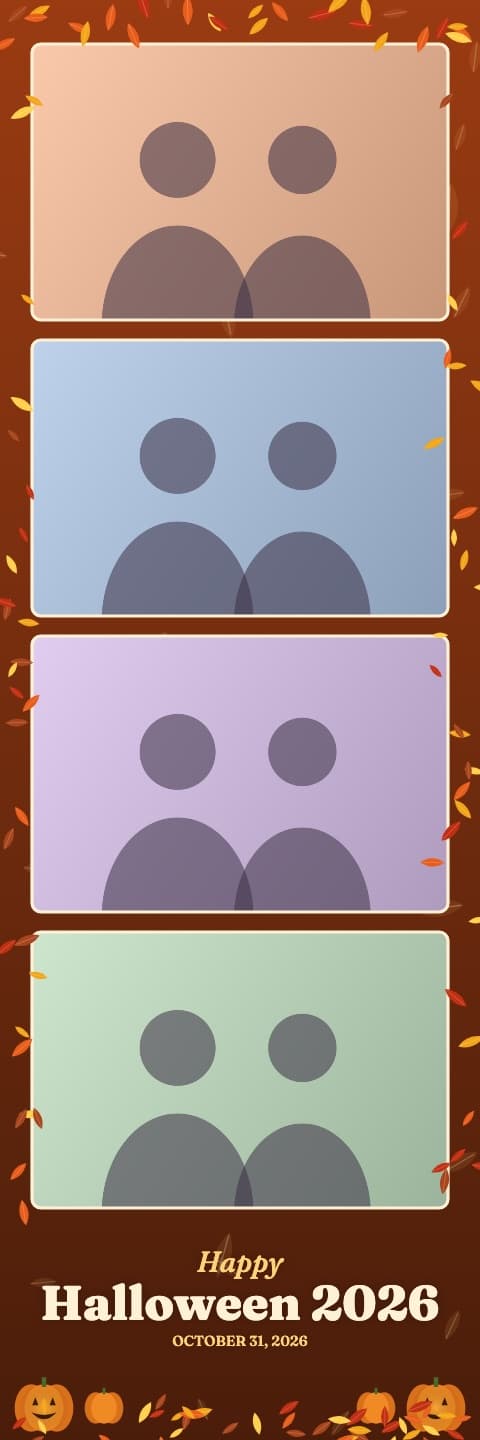
Autumn Harvest
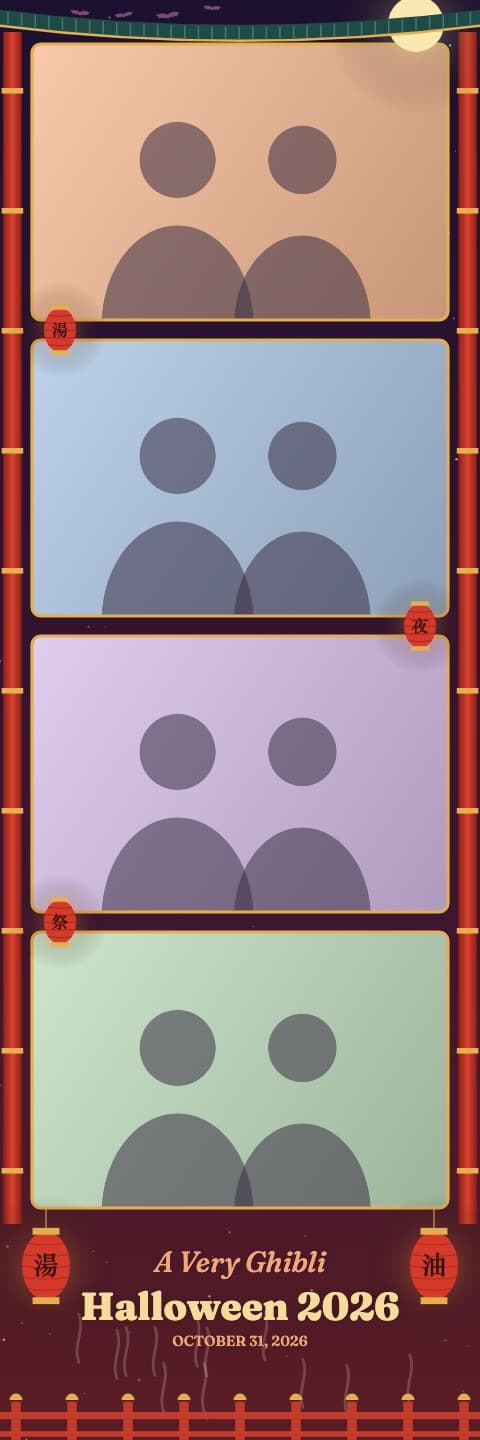
Bathhouse Night
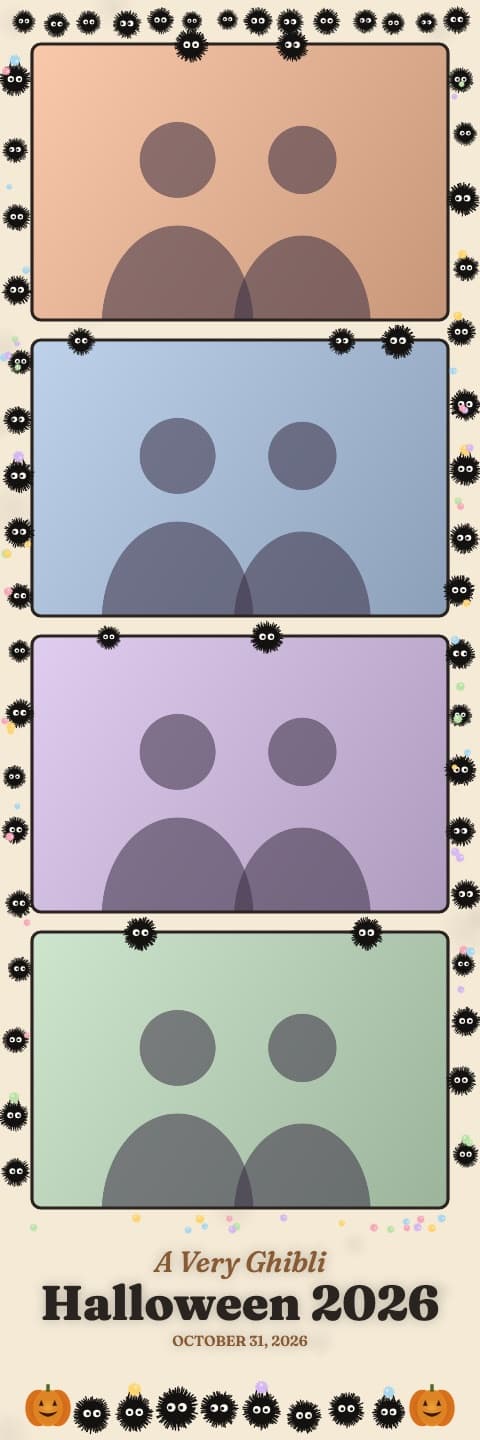
Soot Sprites
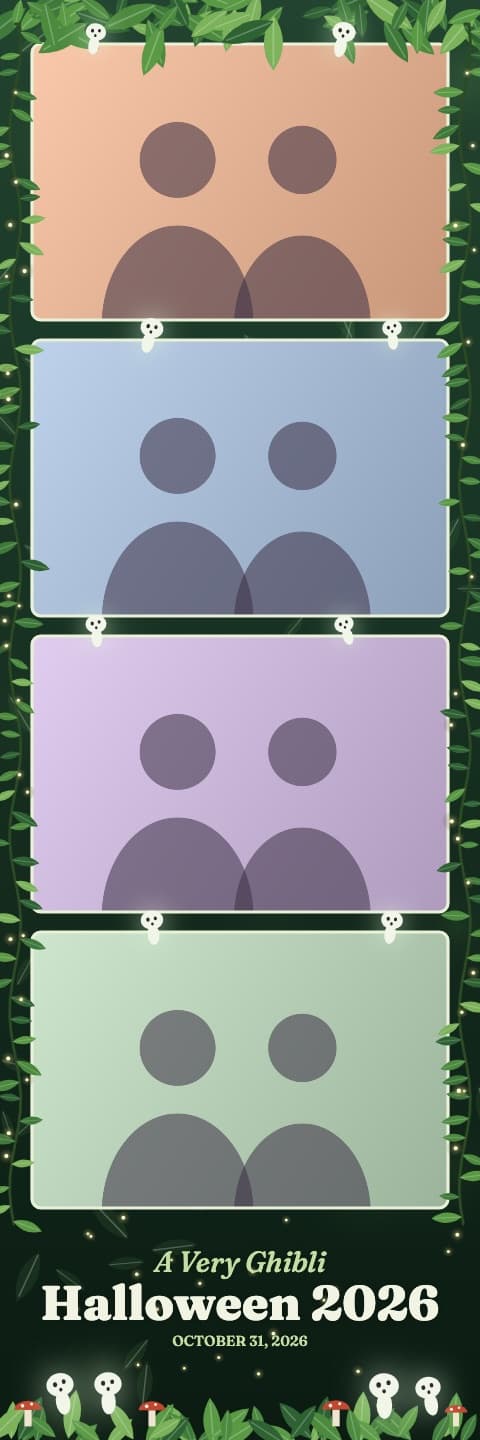
Spirit Forest
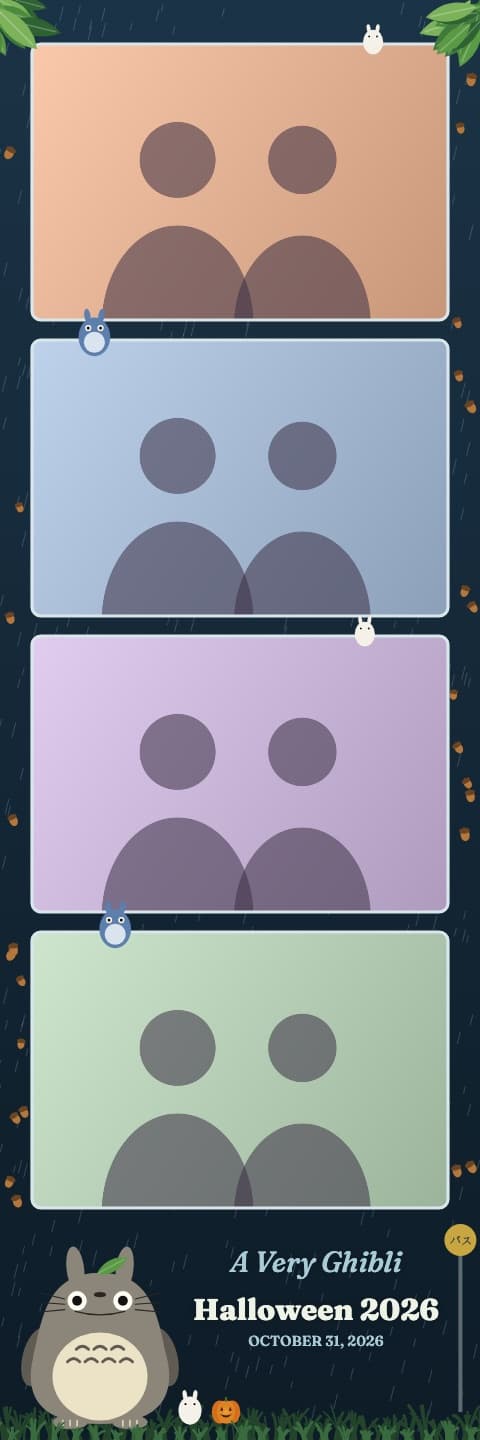
Rainy Bus Stop
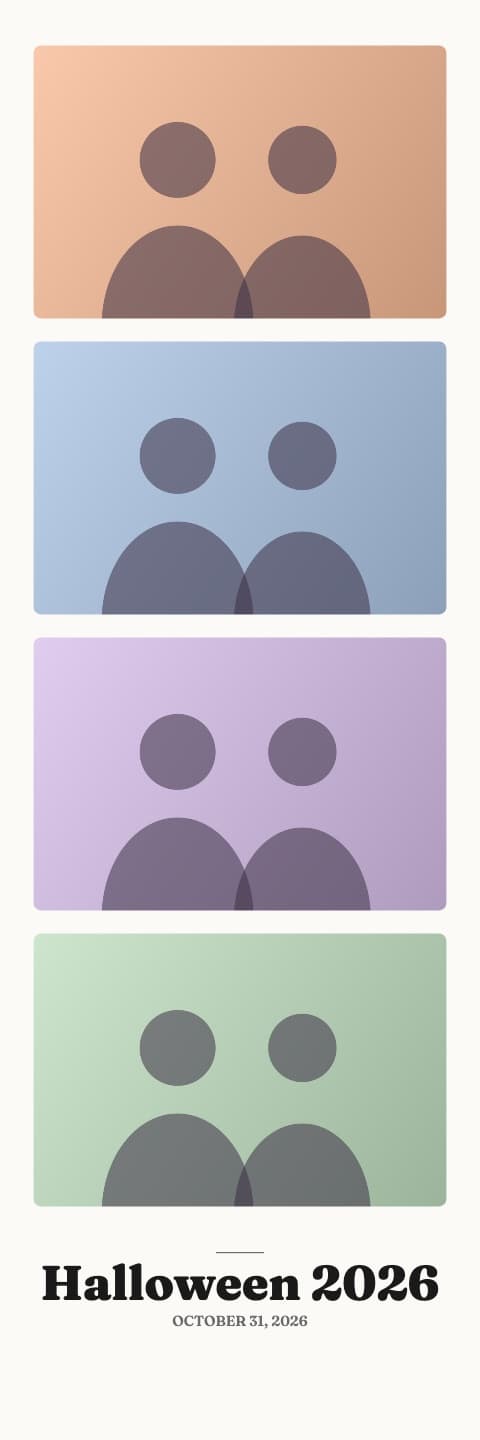
Classic White
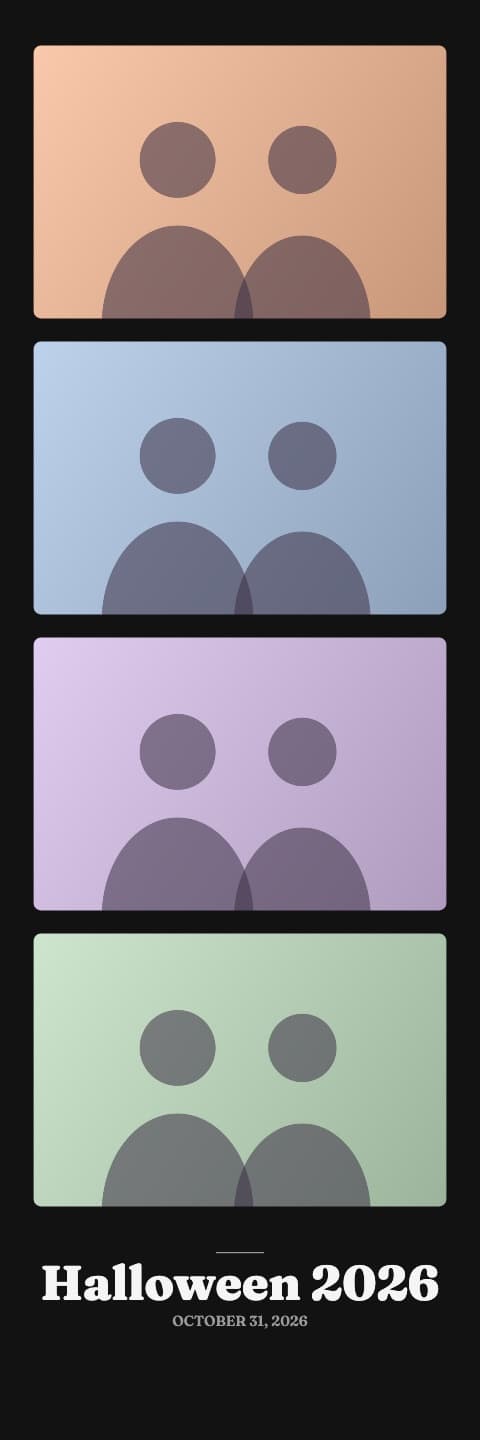
Classic Black
Frequently asked questions
Is this Halloween photo booth app free?
Yes. All 20 frames are free, there is no sign-up and no watermark. It runs in the browser, so there is no app to install.
What do I need to run a Halloween photo booth at home?
An iPad, tablet, phone or laptop with a front camera, something to stand it on at eye level, and a charger. A plain wall or a dark sheet behind your guests and a lamp in front of them make the photos look much better.
Can I put my party name on the photo strip?
Yes. Type it in the party name box on the start screen and it prints at the bottom of every strip with the date. Leave it empty and the strip says Happy Halloween with the year.
Are the photos uploaded anywhere?
Only the finished strip, so guests can scan the QR code or get it by email. It is stored under a private link that is not listed anywhere and deleted after 30 days. The four raw photos never leave the device.
Can guests print their strips?
Yes. The strip is a 2 by 6 inch image at 600 dots per inch. Two strips fit side by side on a 4 by 6 inch photo print, so one print cut down the middle gives two strips.
More for your party
- Photo Strip Maker: Free Photo Booth Strips From 4 Photos
Make a photo booth strip from any 4 photos, free. 30-plus frames, your caption on the strip, 2x6 at 600 dpi. Save it, scan a QR code or email it.
- Free Photo Booth Strip Templates (2x6 PNG)
Free 2x6 photo booth strip templates with transparent photo windows. Download a PNG for Canva or Photoshop, or fill one with your photos automatically.
- Printable Halloween Photo Booth Props
Free printable Halloween photo booth props: witch hats, fangs, bats, speech bubbles and more on one page. Print, cut, tape to sticks and pose.